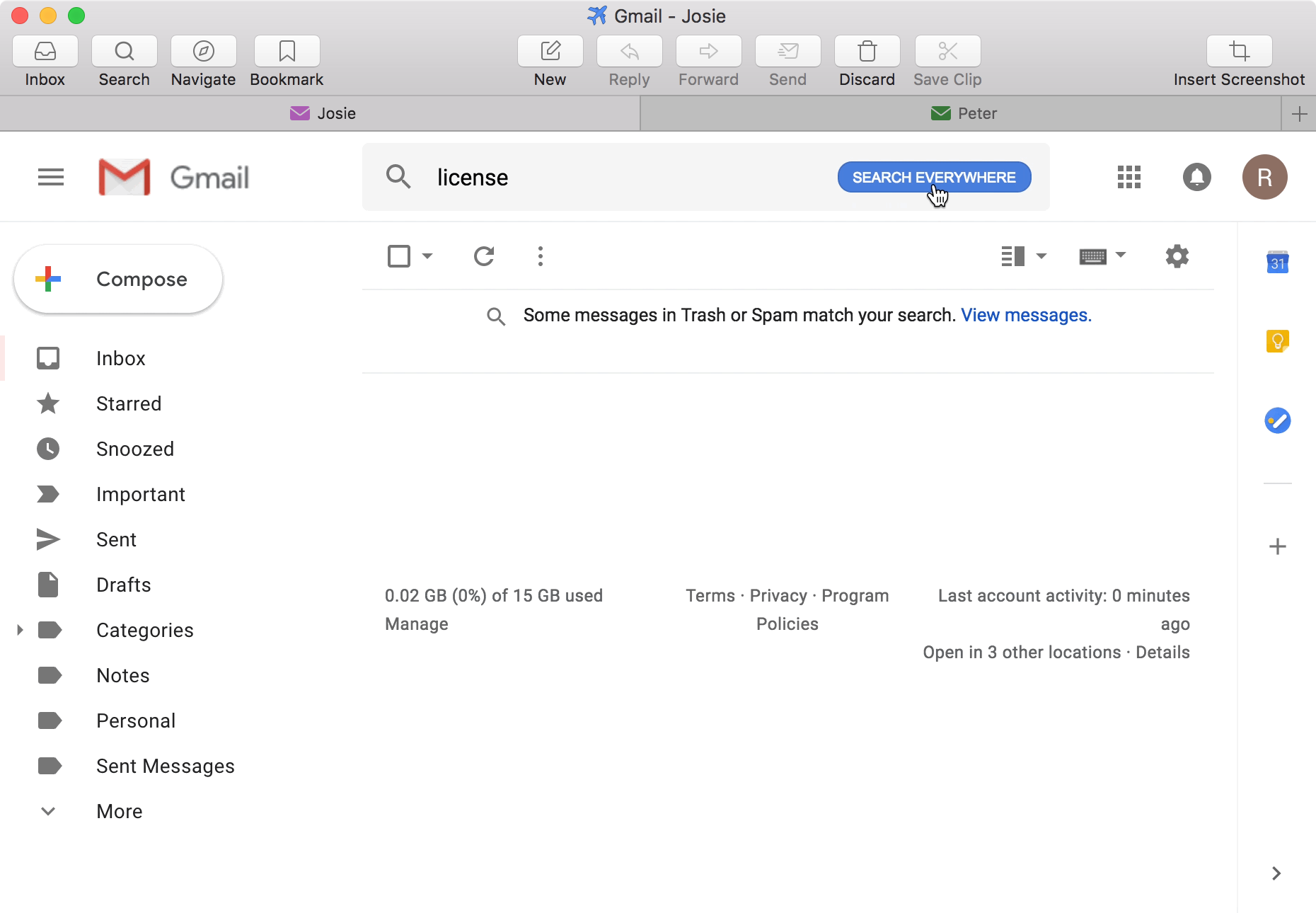
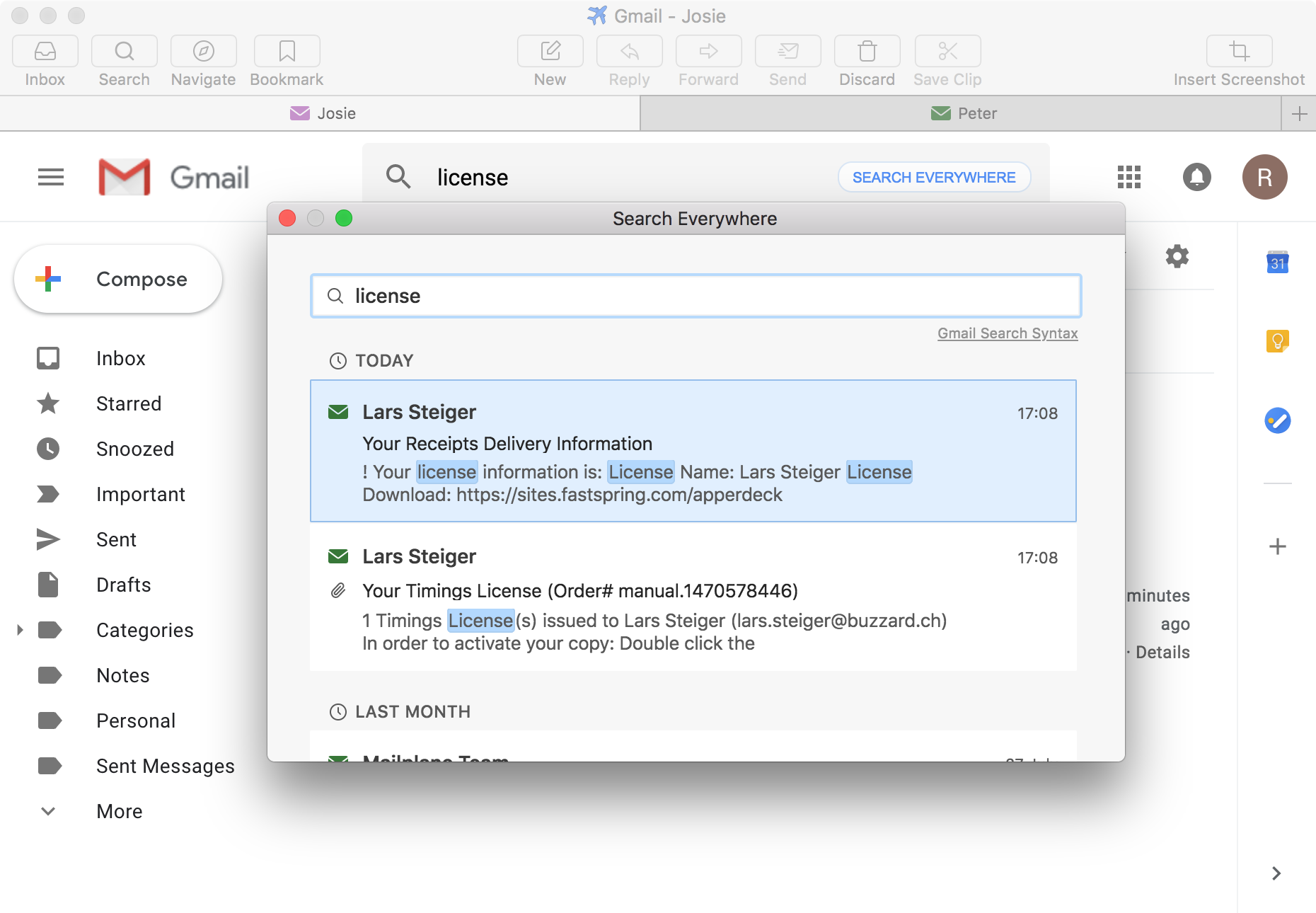
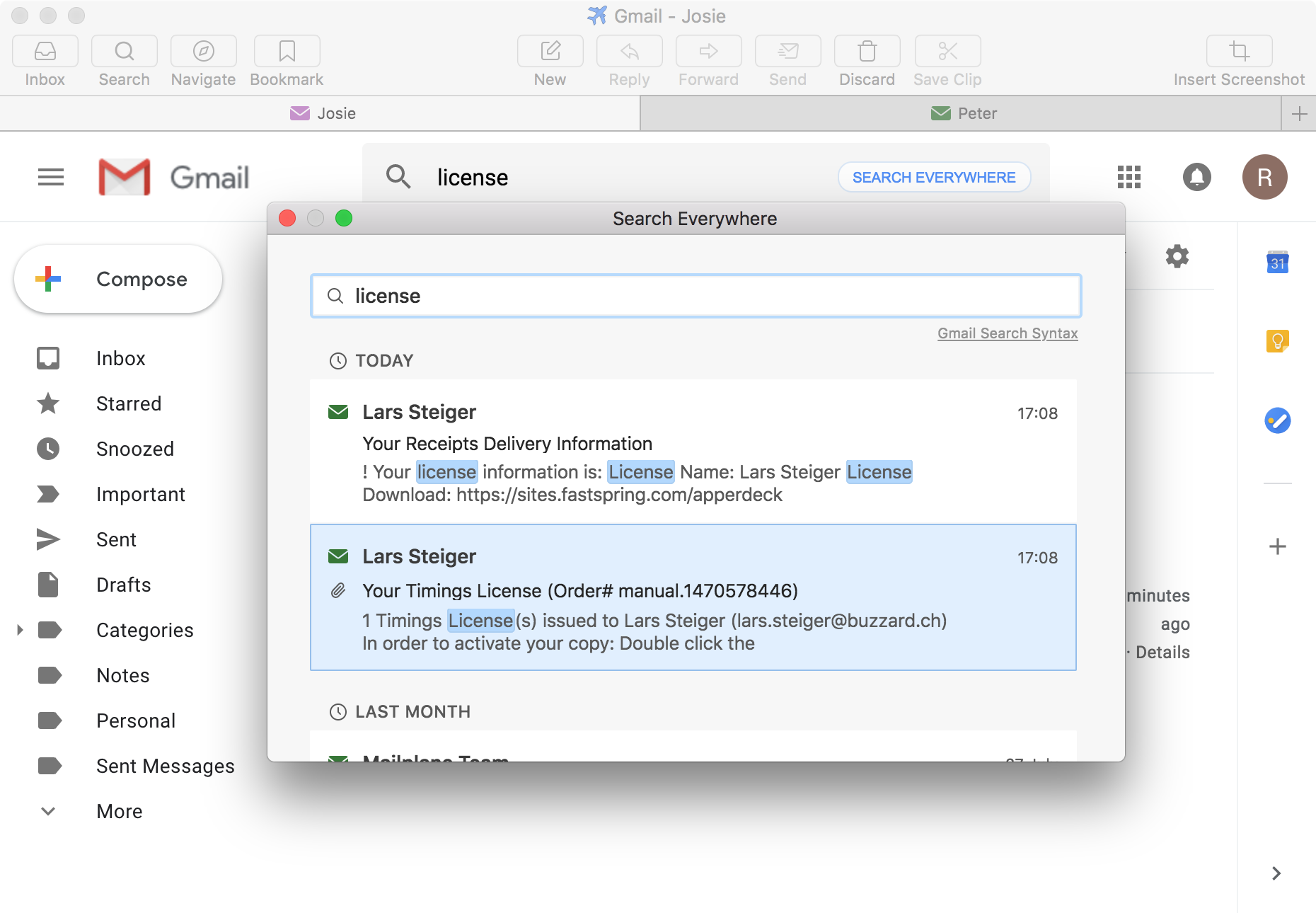
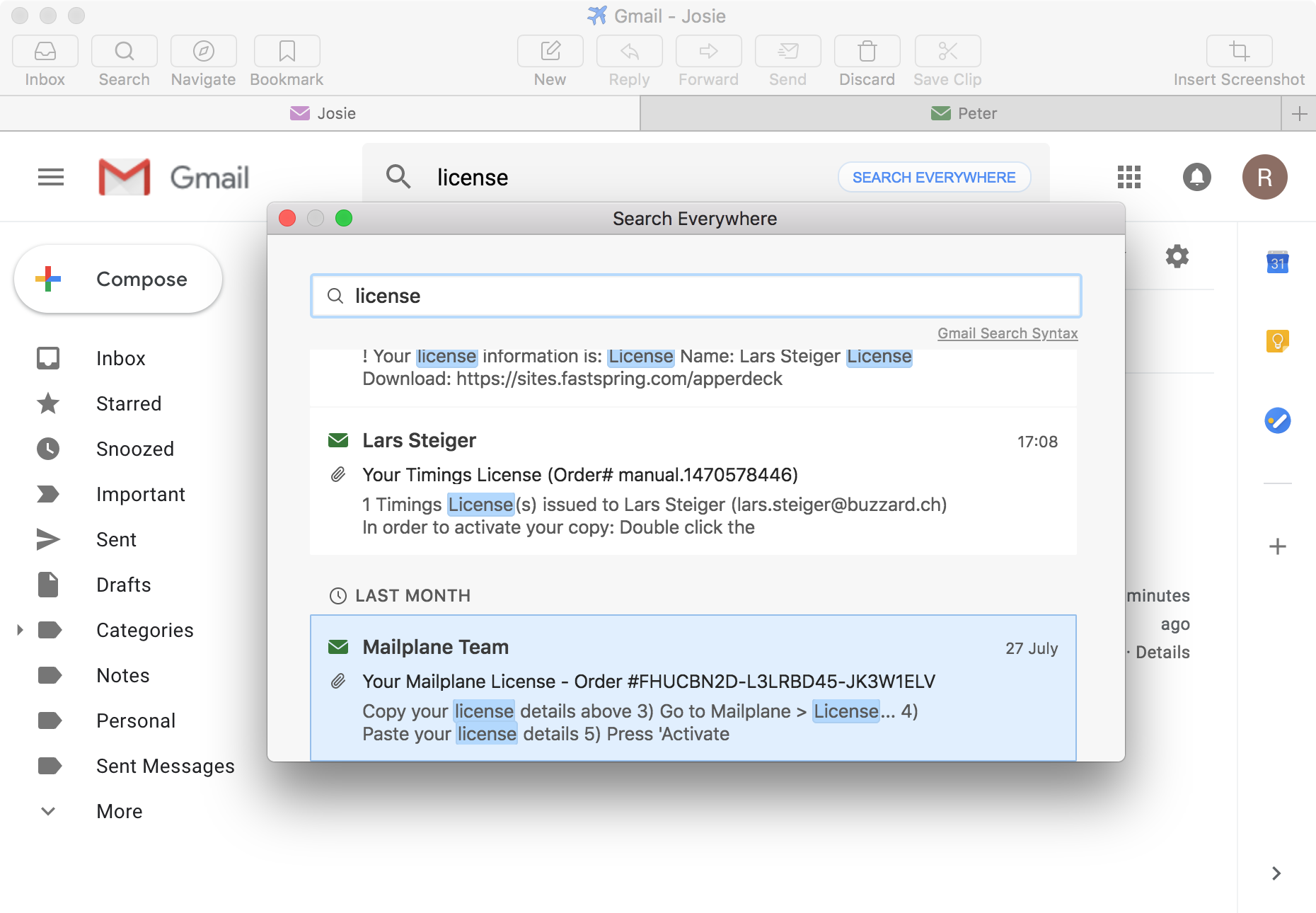
Get Gmail out of the browser tab. And start saving time.


You like threaded conversations, googling your inbox, and you prefer labels over folders. You really love Gmail.

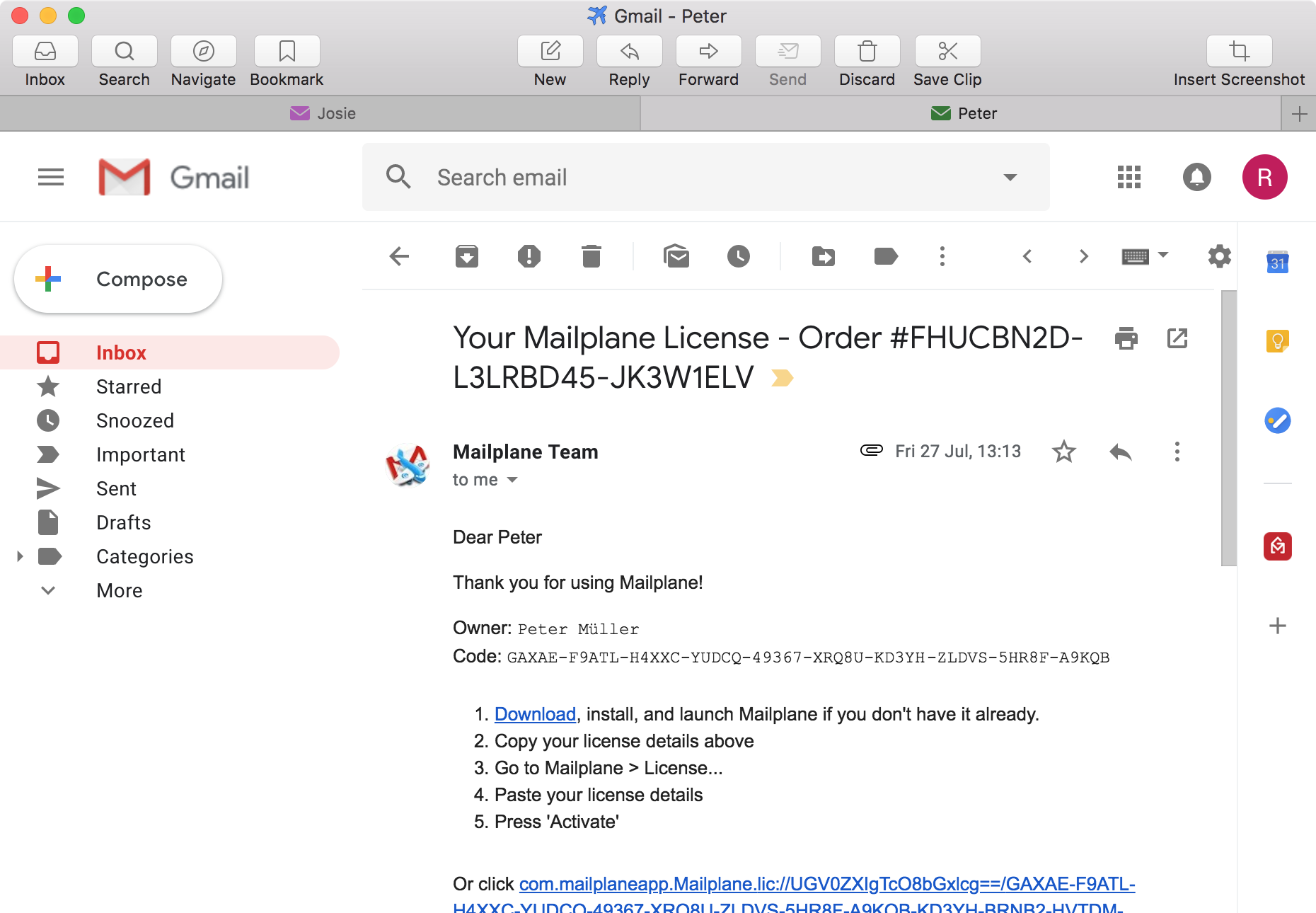
If yes: You've come to the right place. Continue to use the Gmail web interface you know and love, but from Mailplane instead of your web browser: Mailplane makes you more productive and saves you precious time.

Watch the two minute movie, and see the how it works:

Top Benefits:

  • Drag and drop attachments
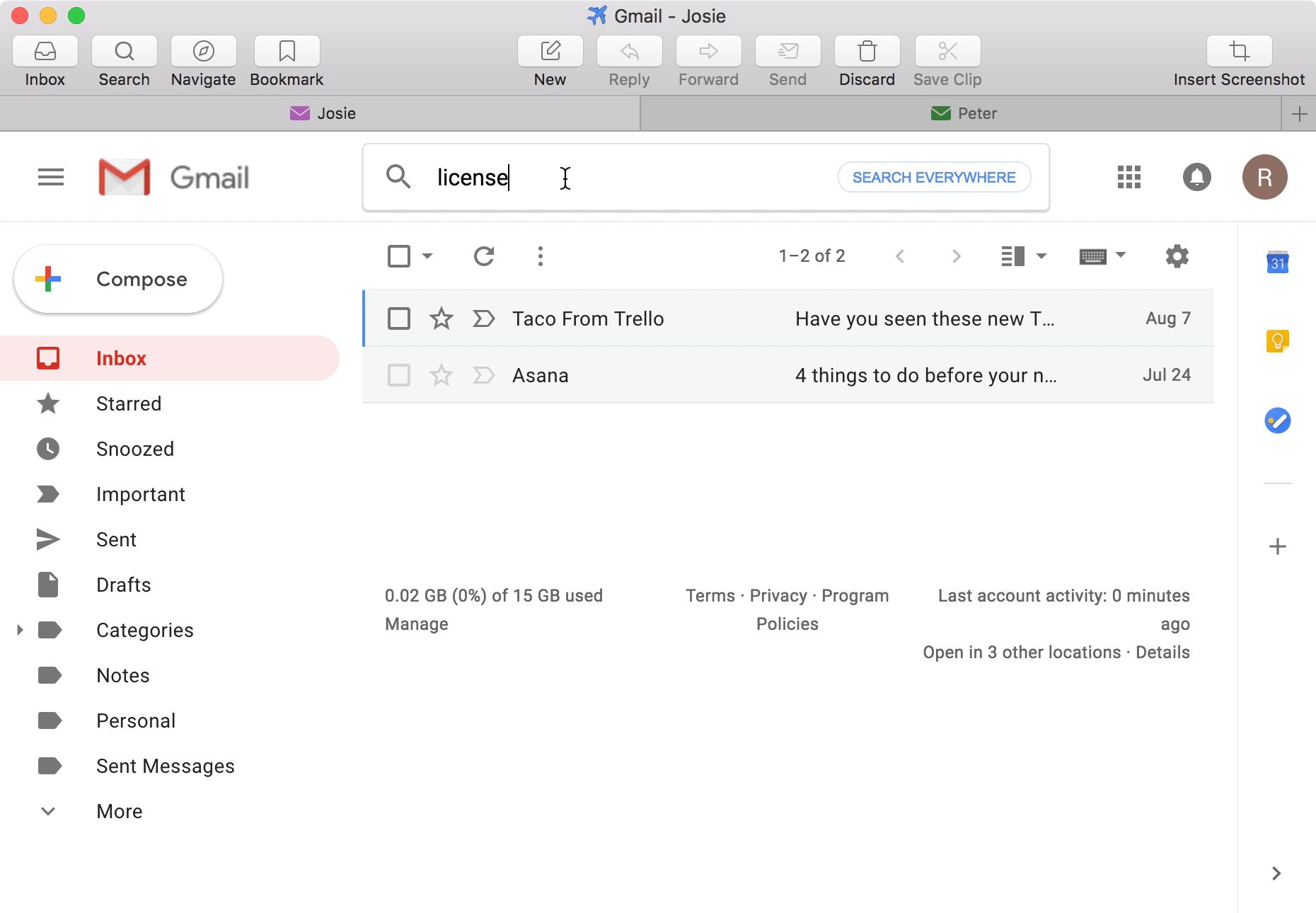
  • Use multiple Gmail accounts
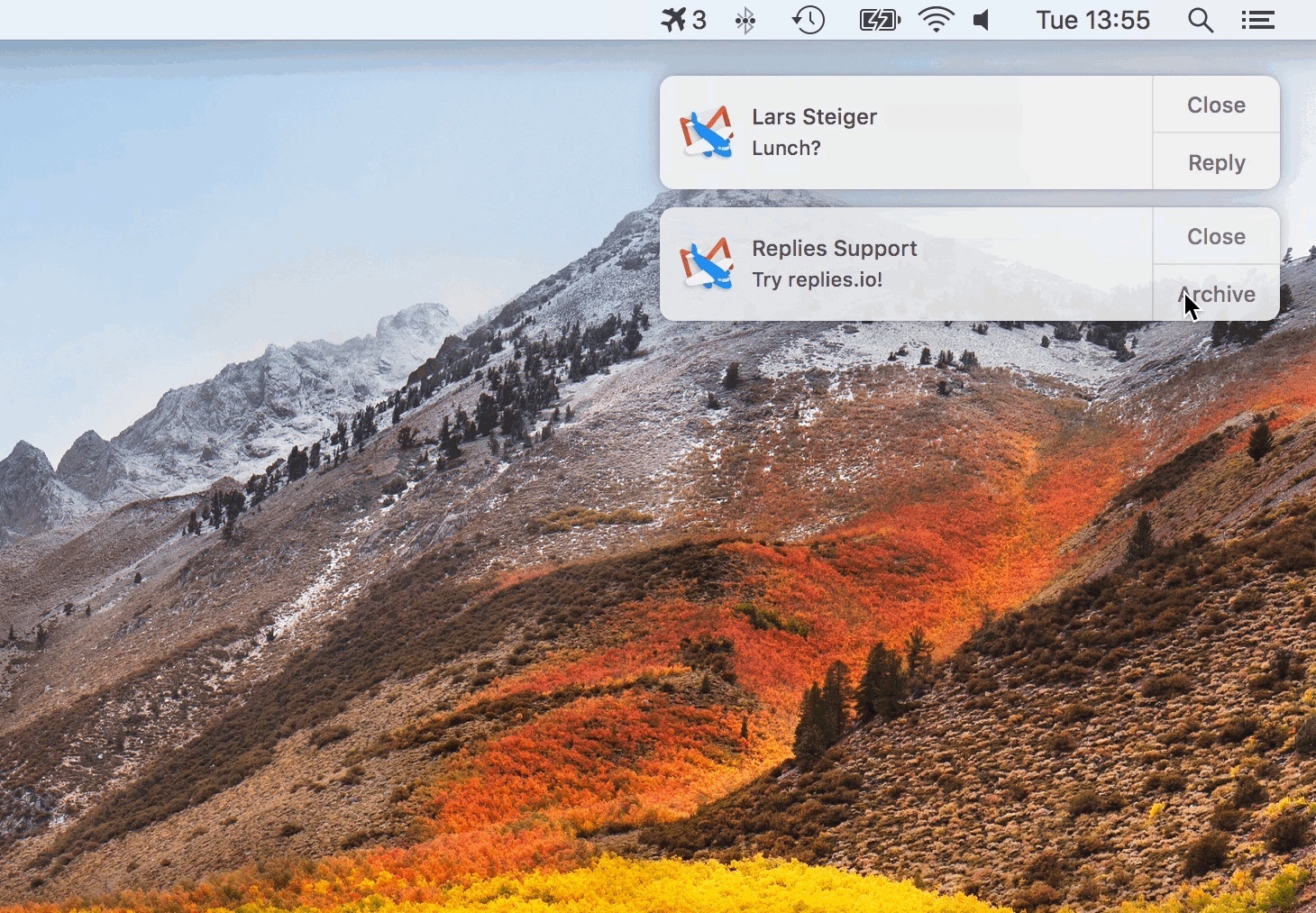
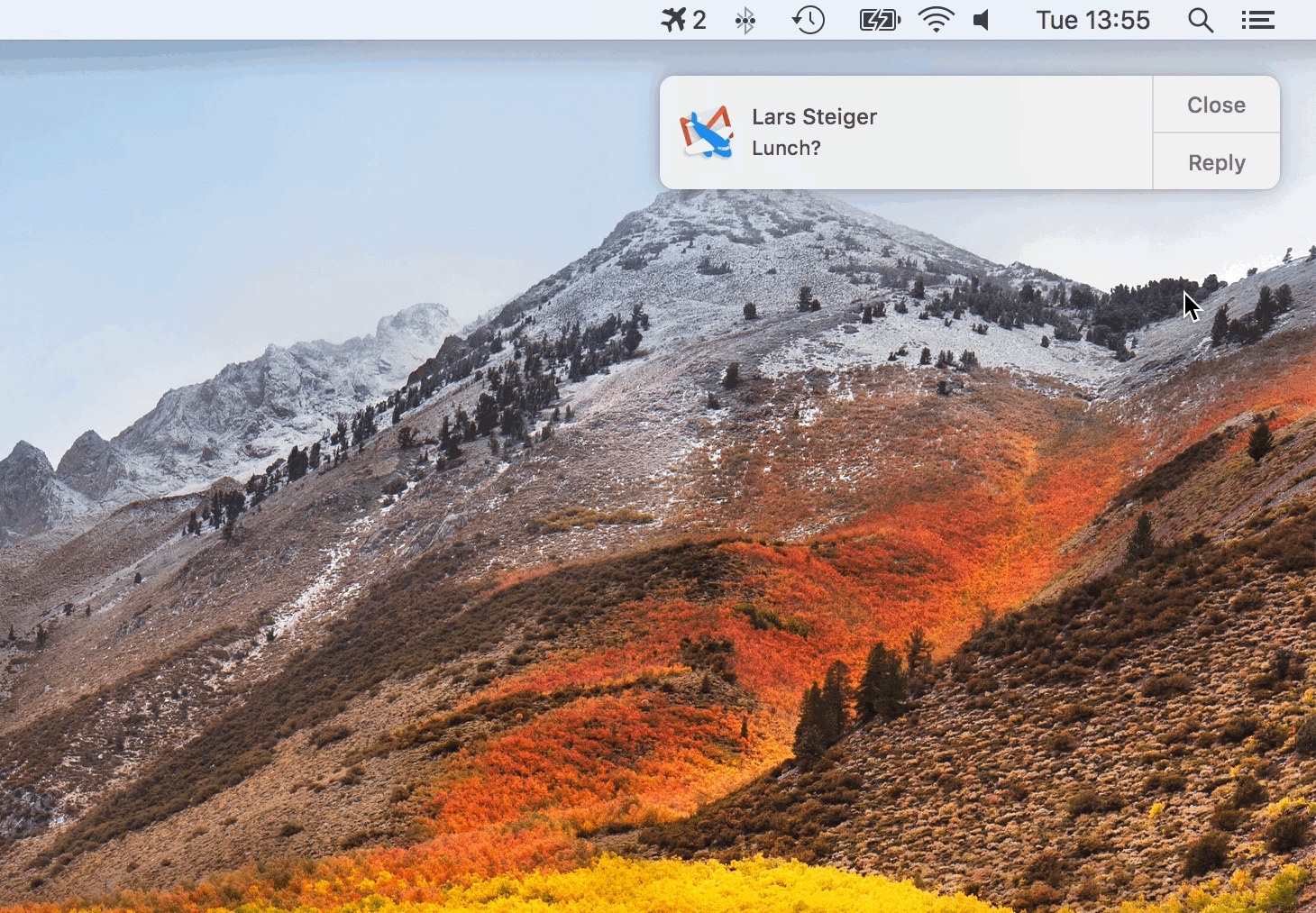
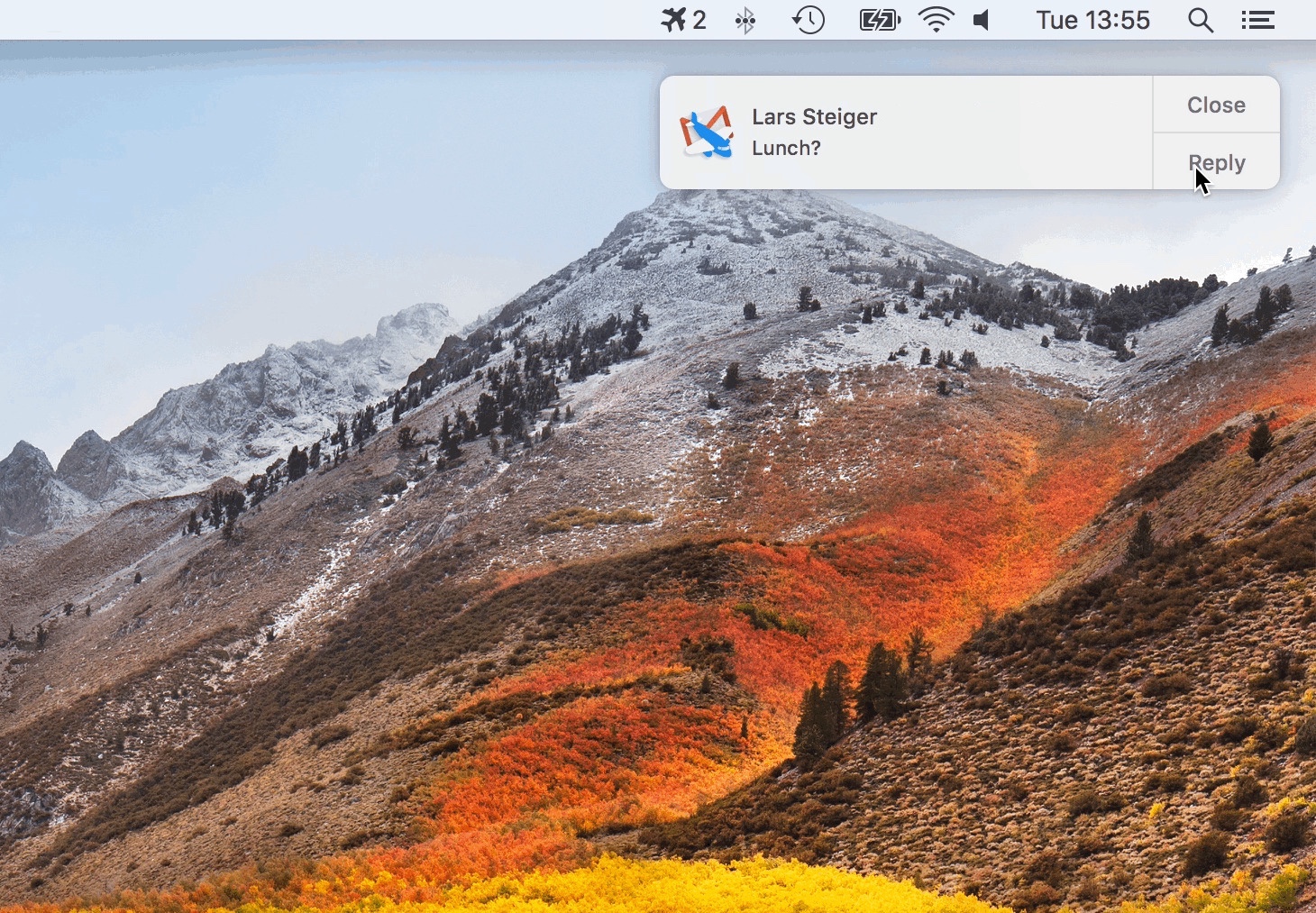
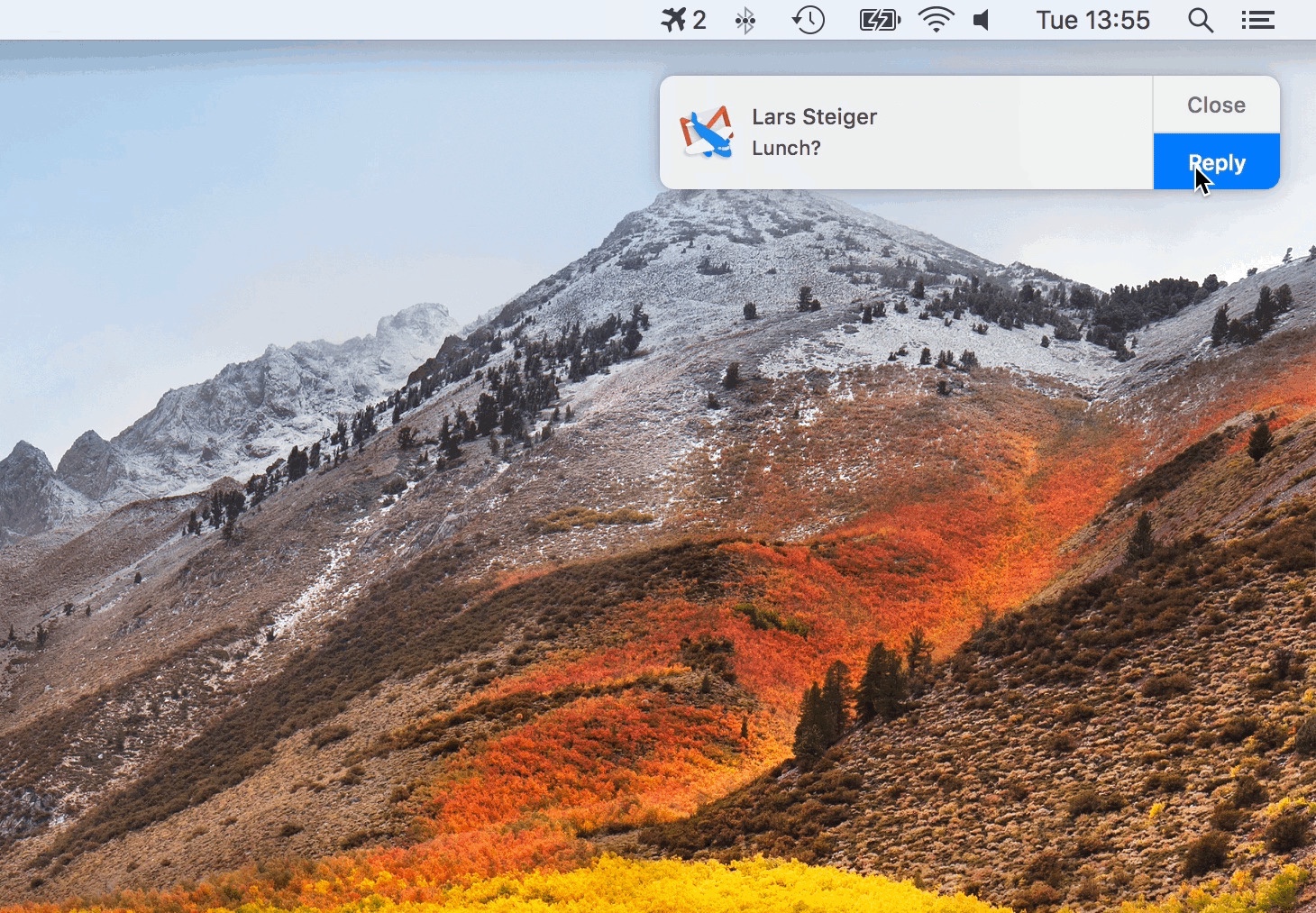
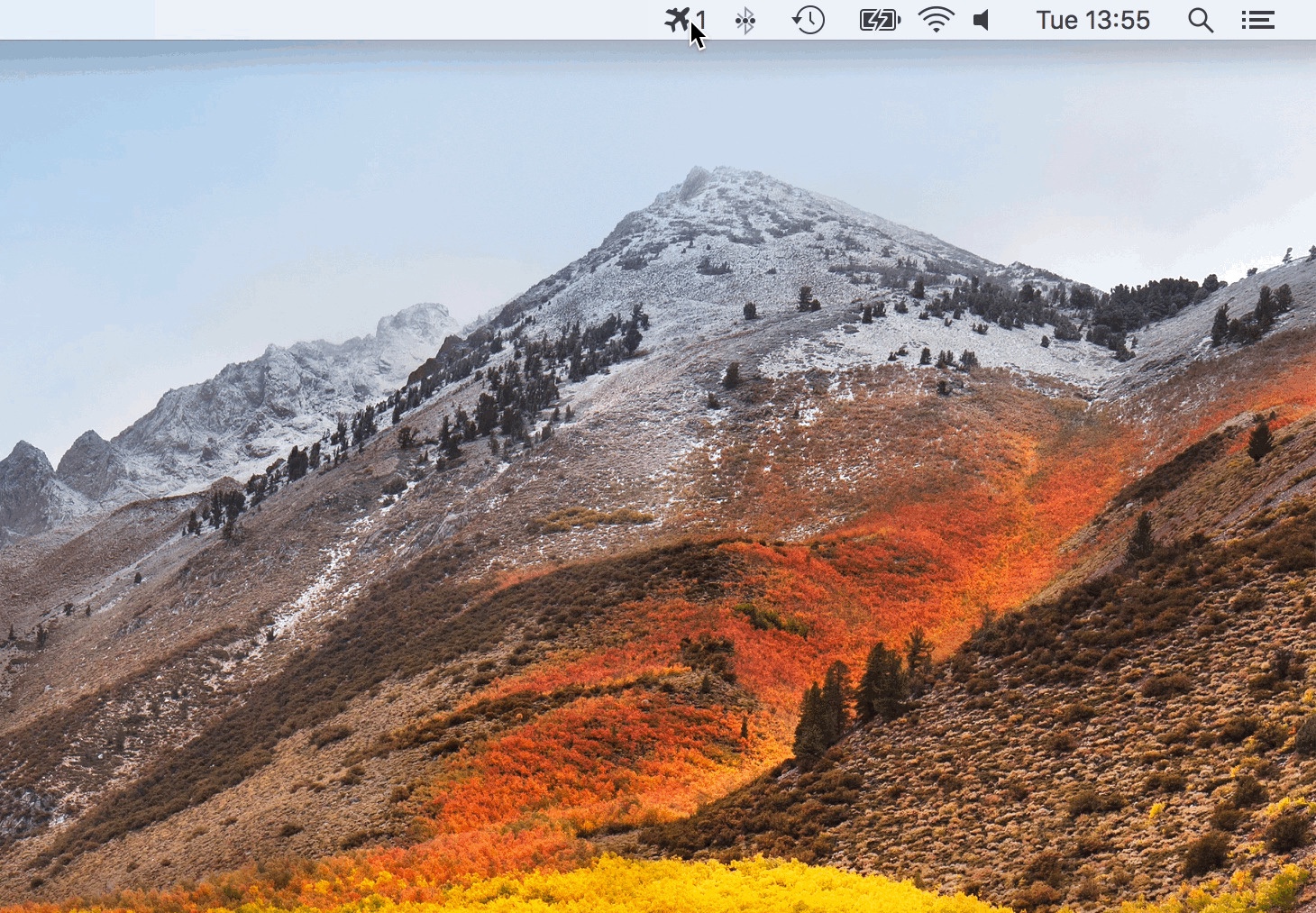
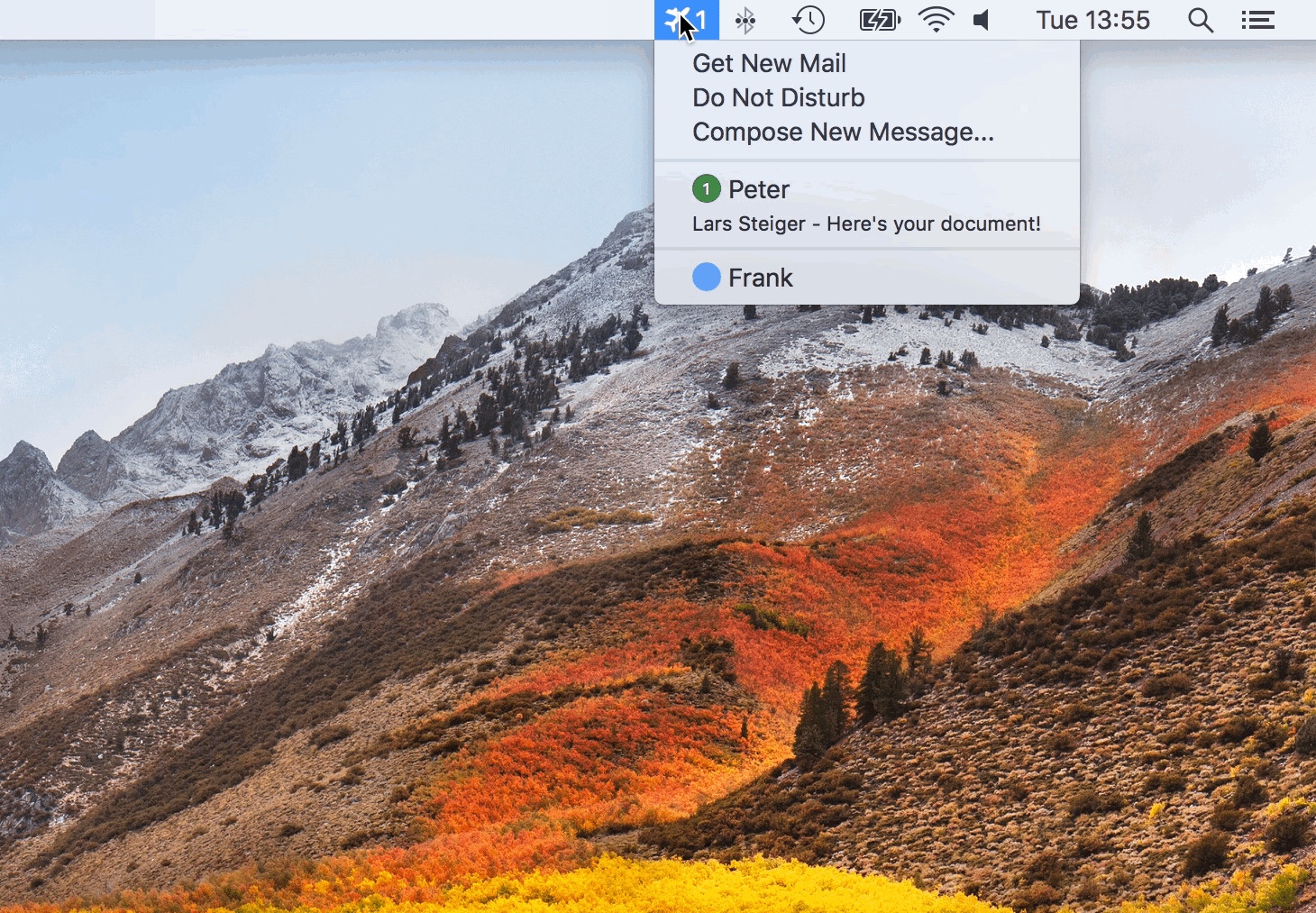
  • Get new mail notifications
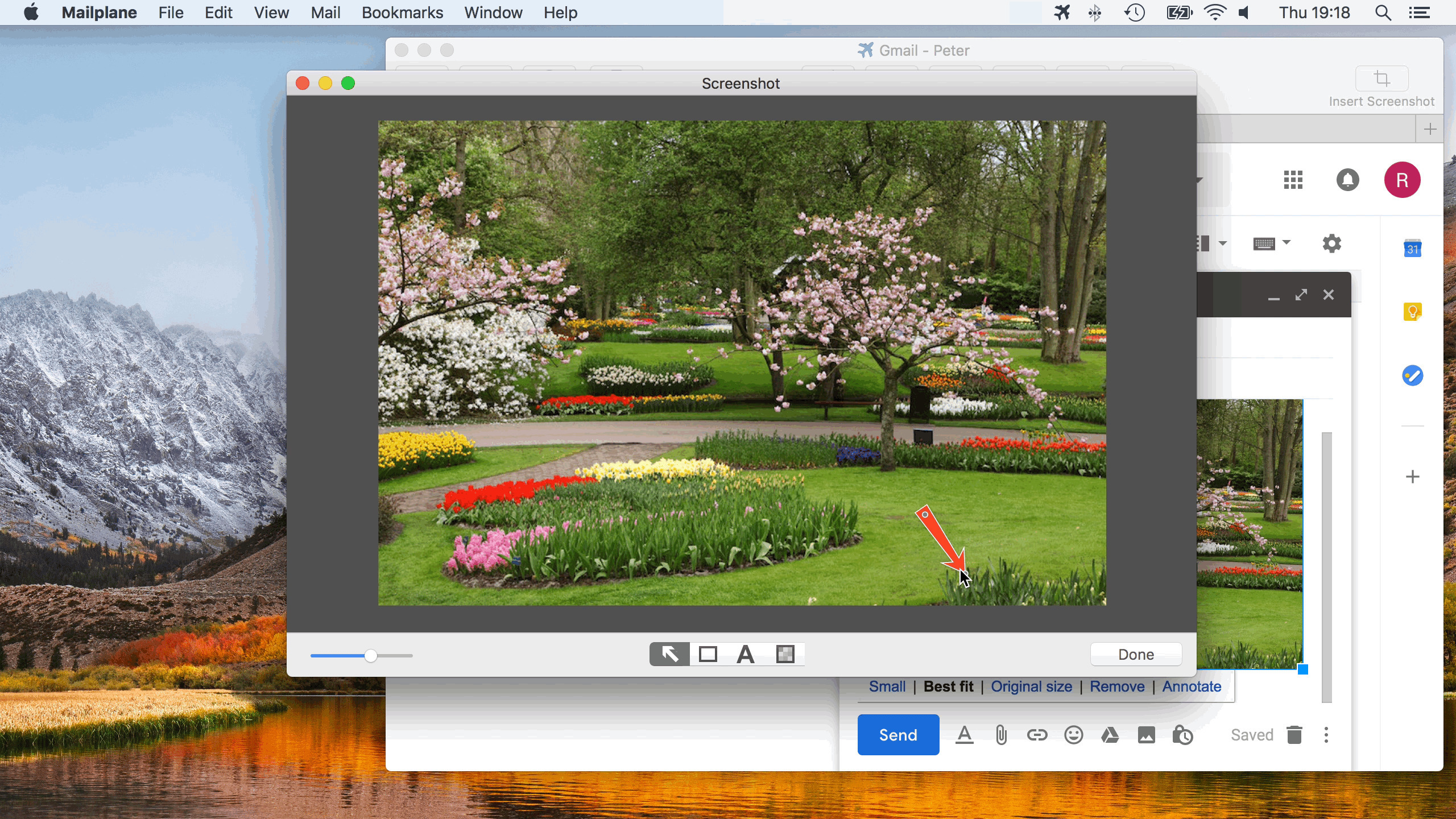
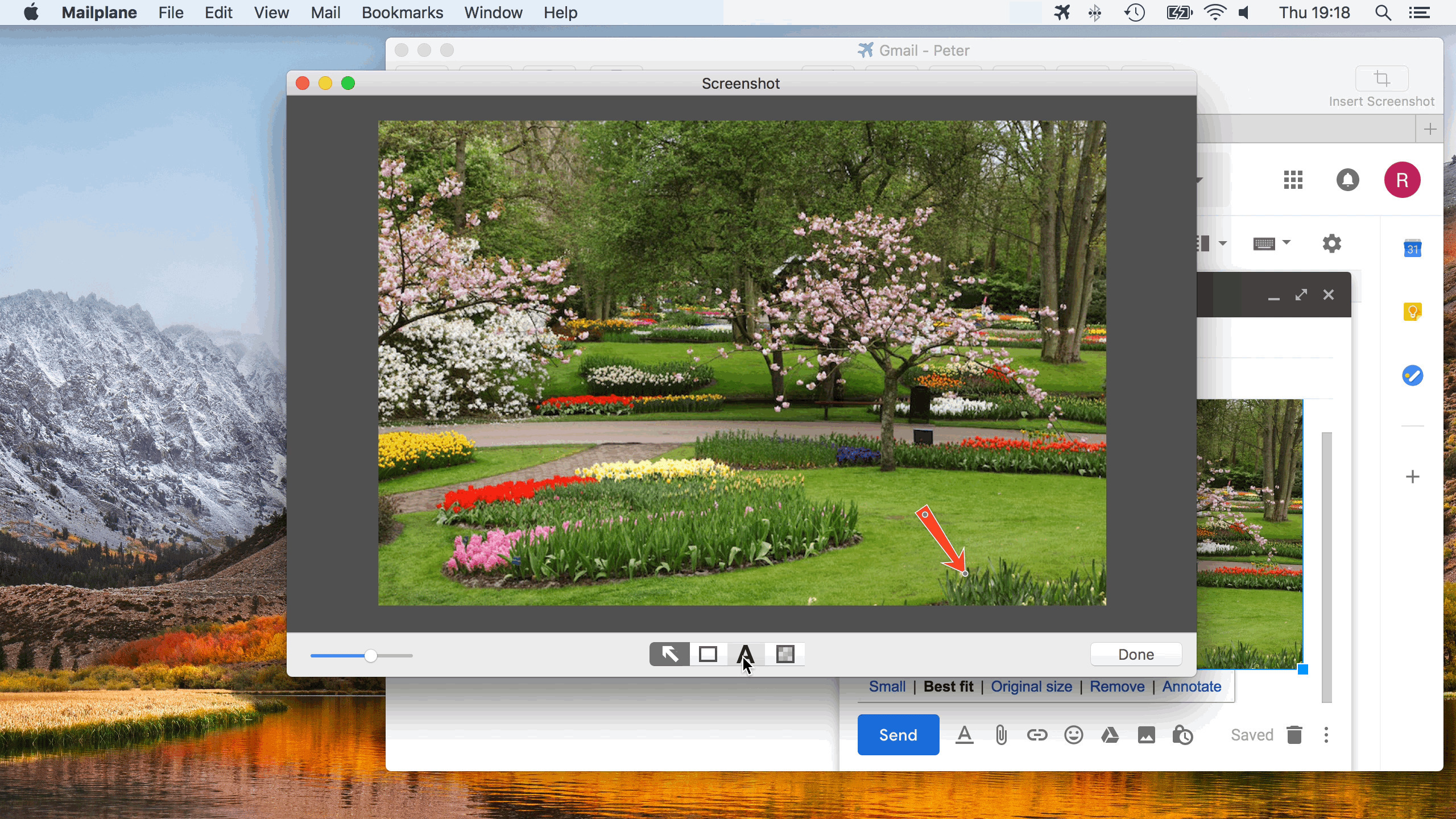
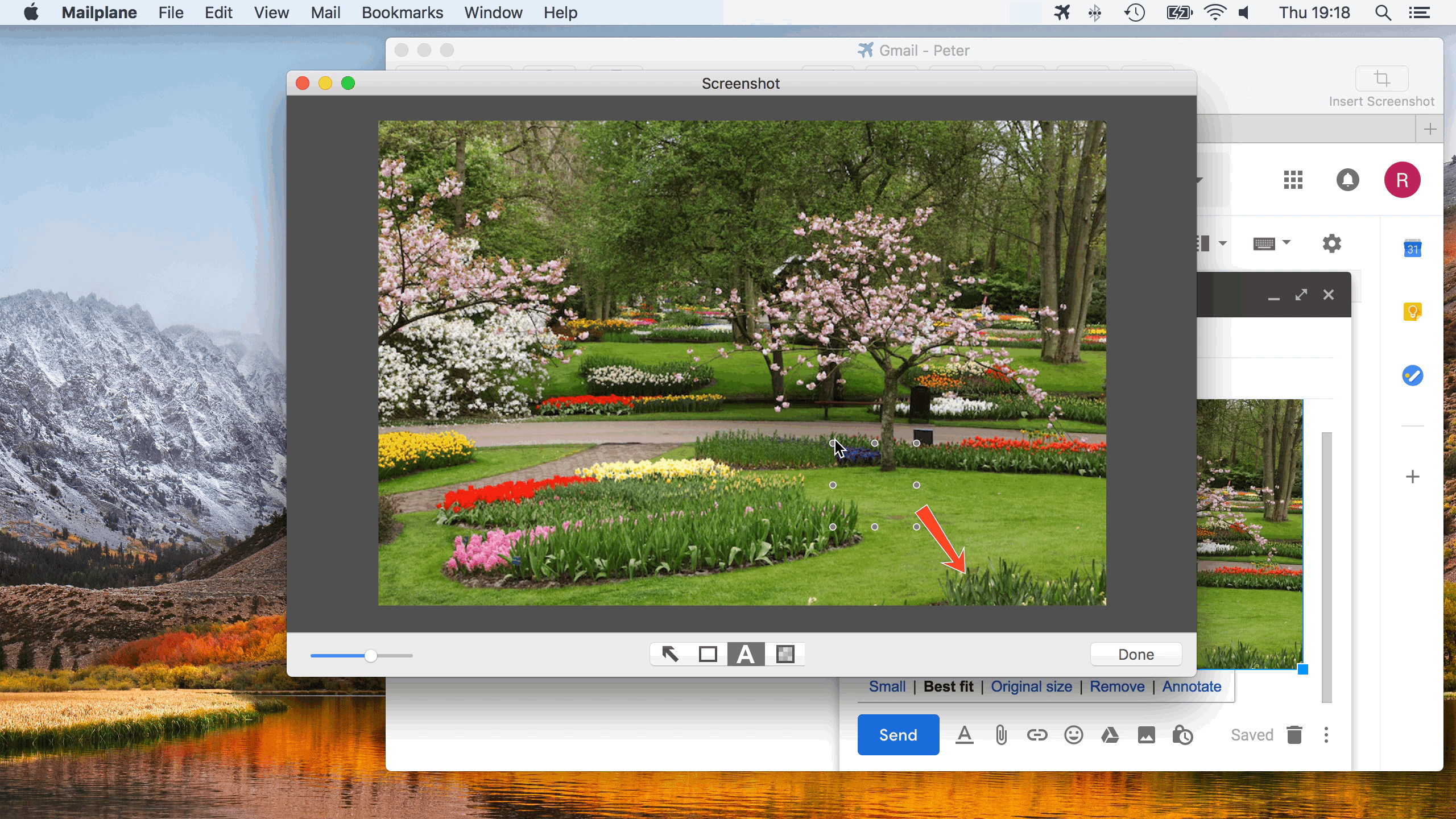
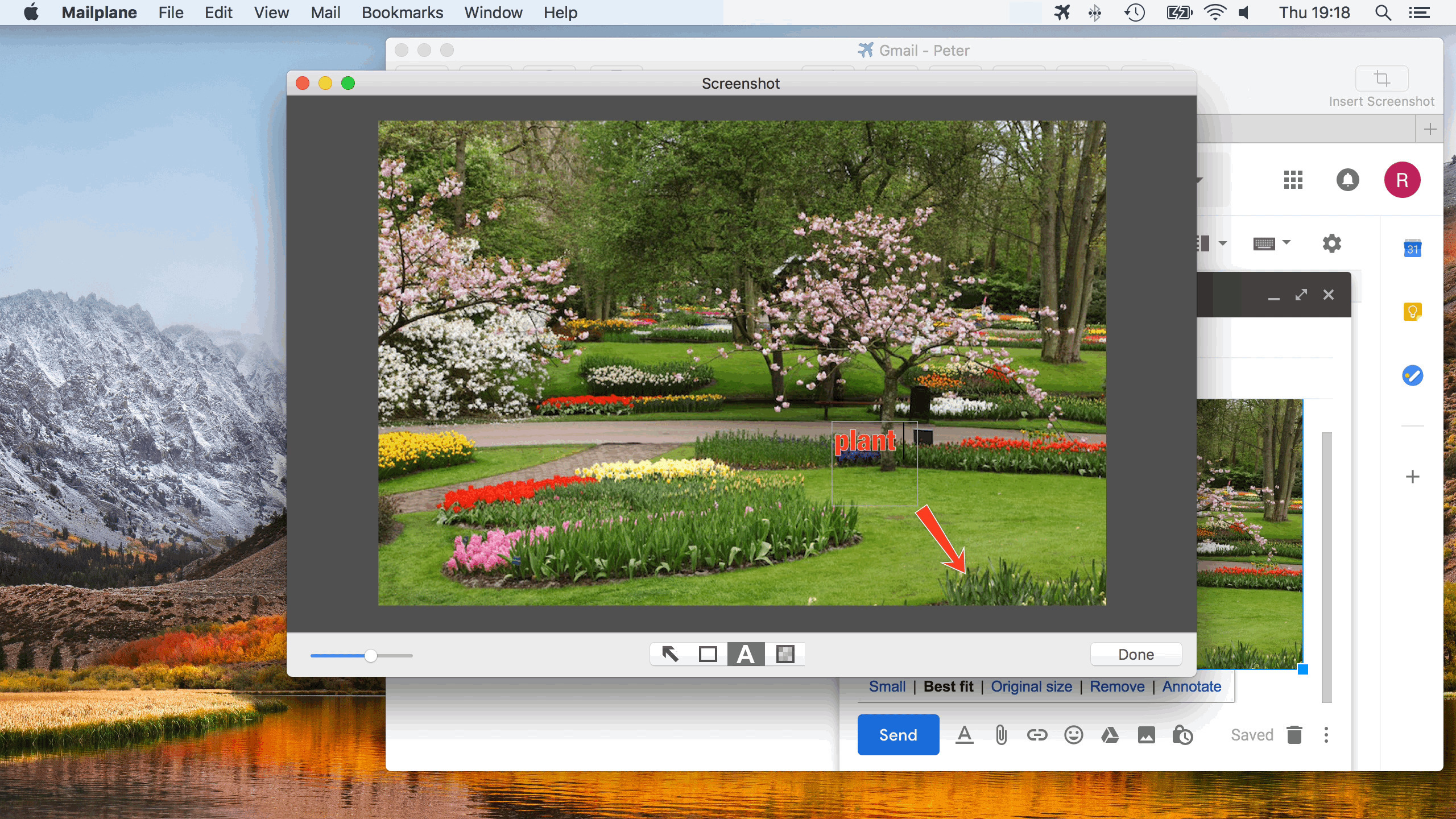
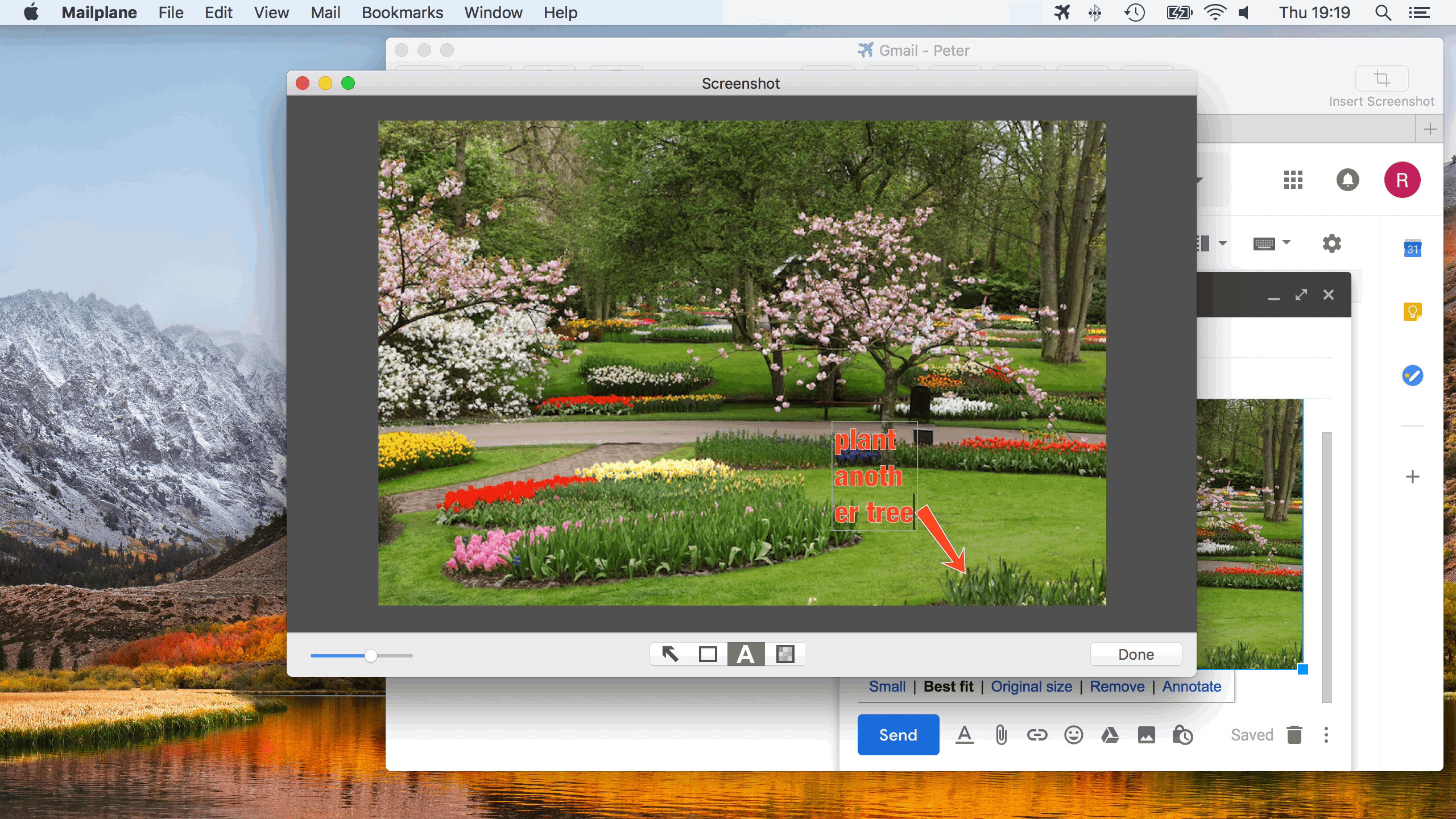
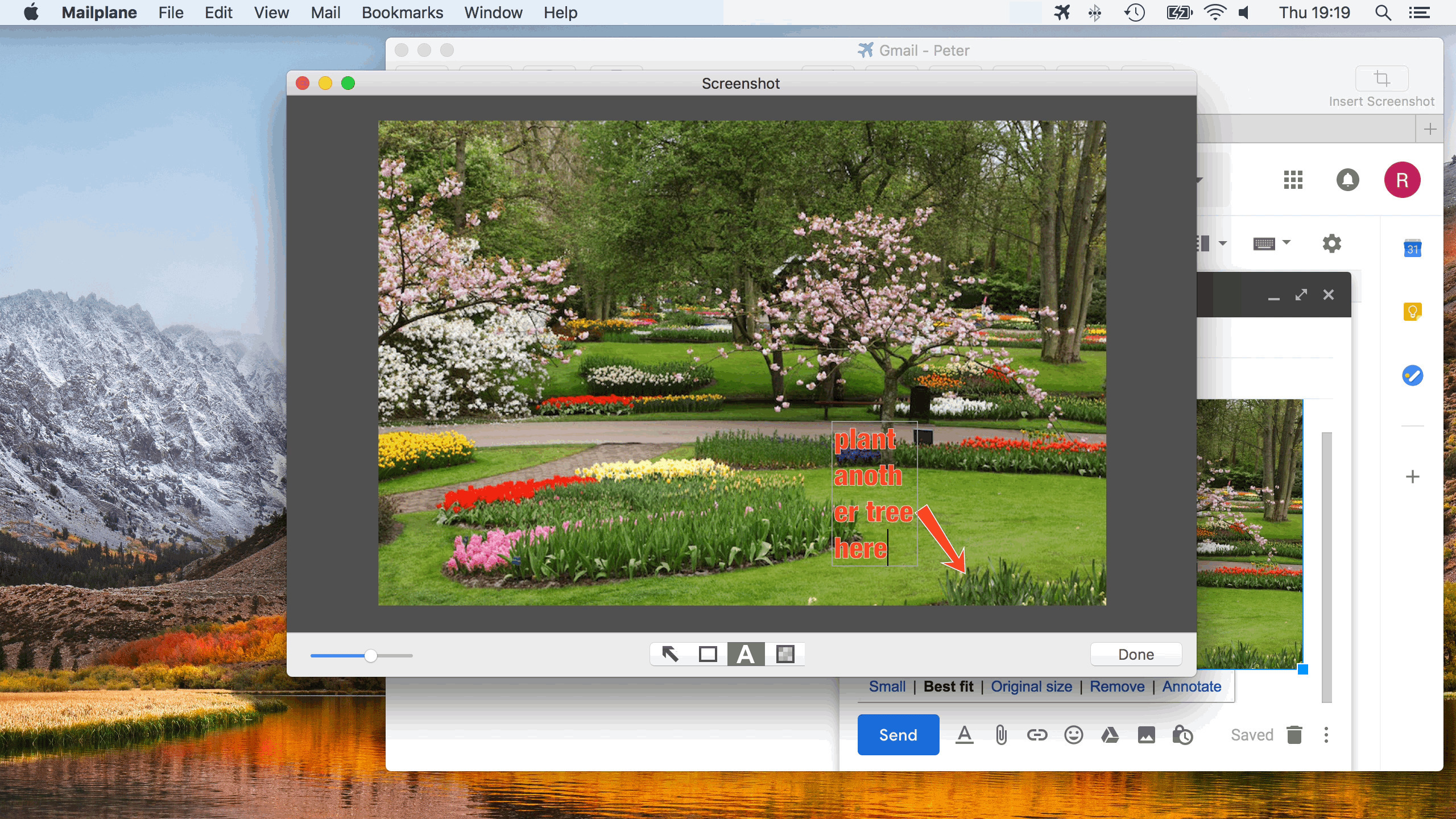
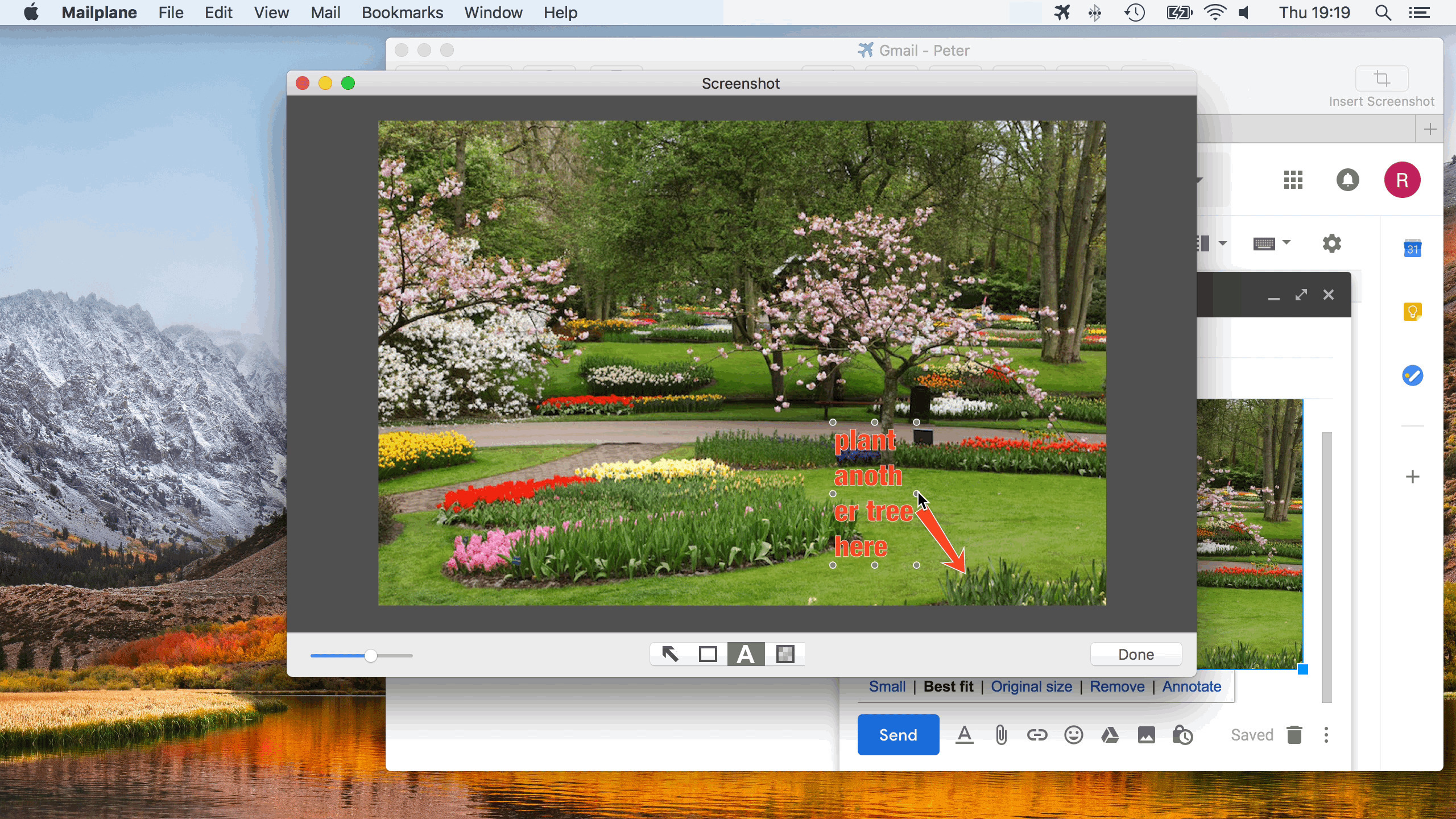
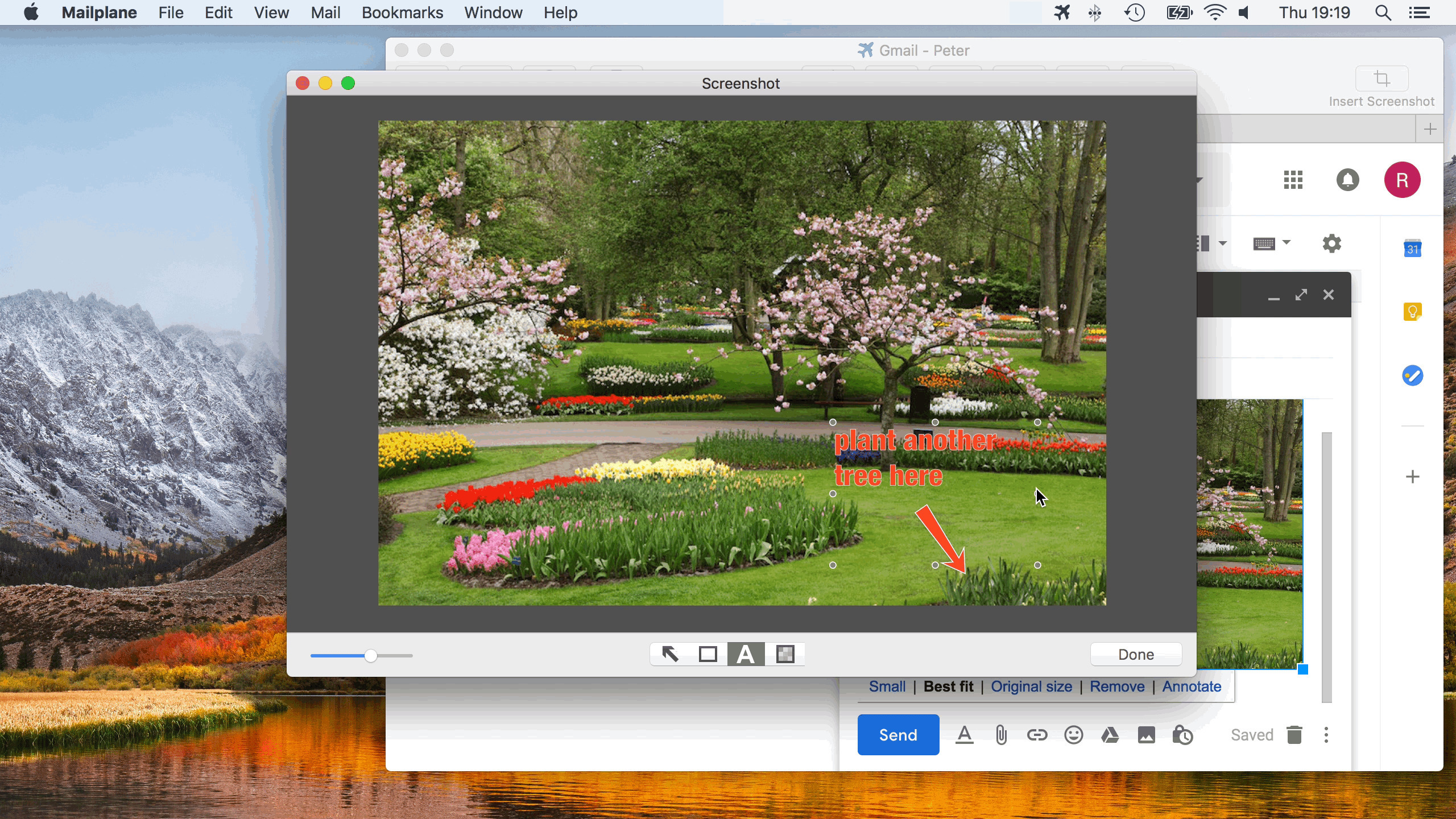
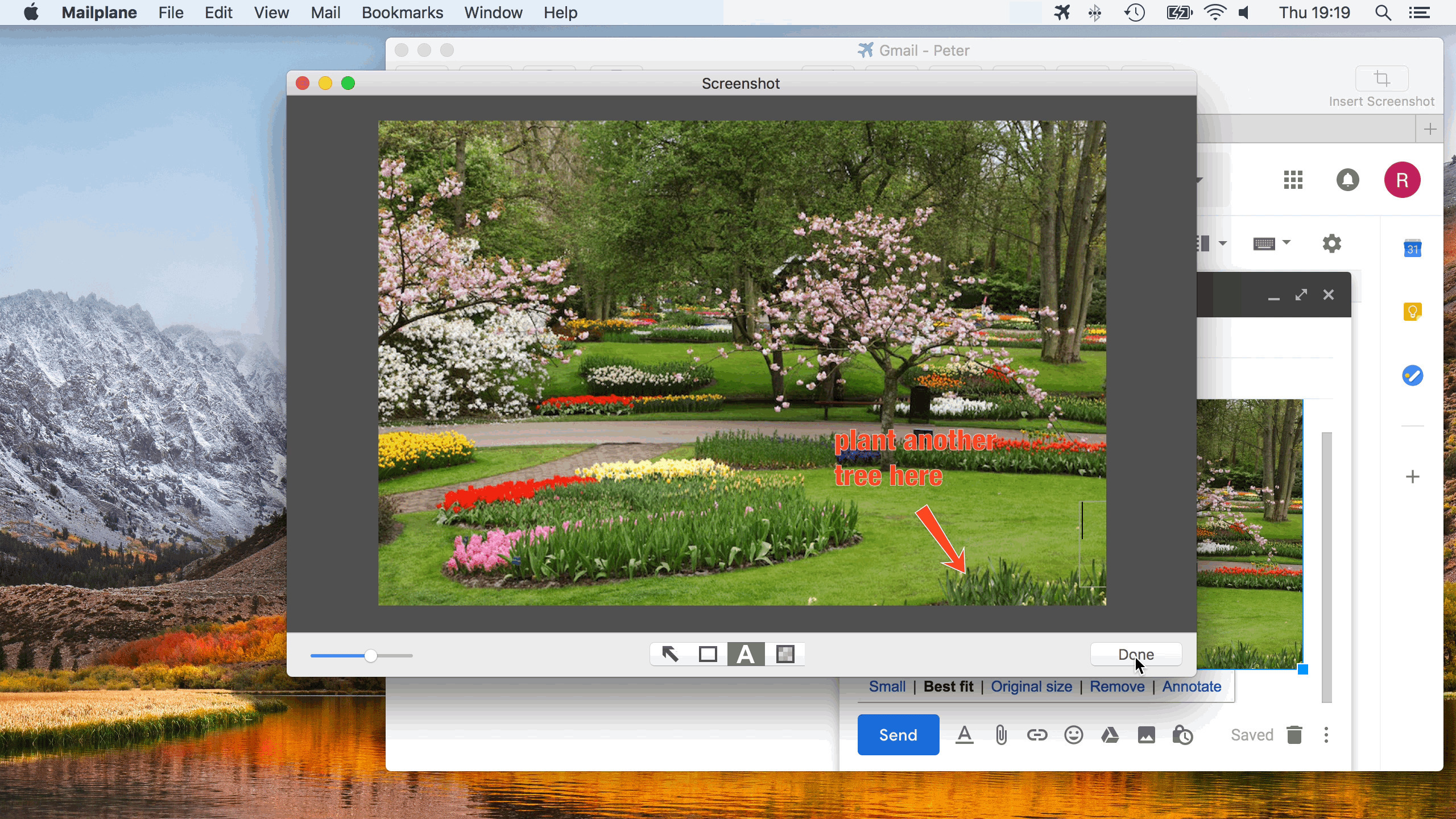
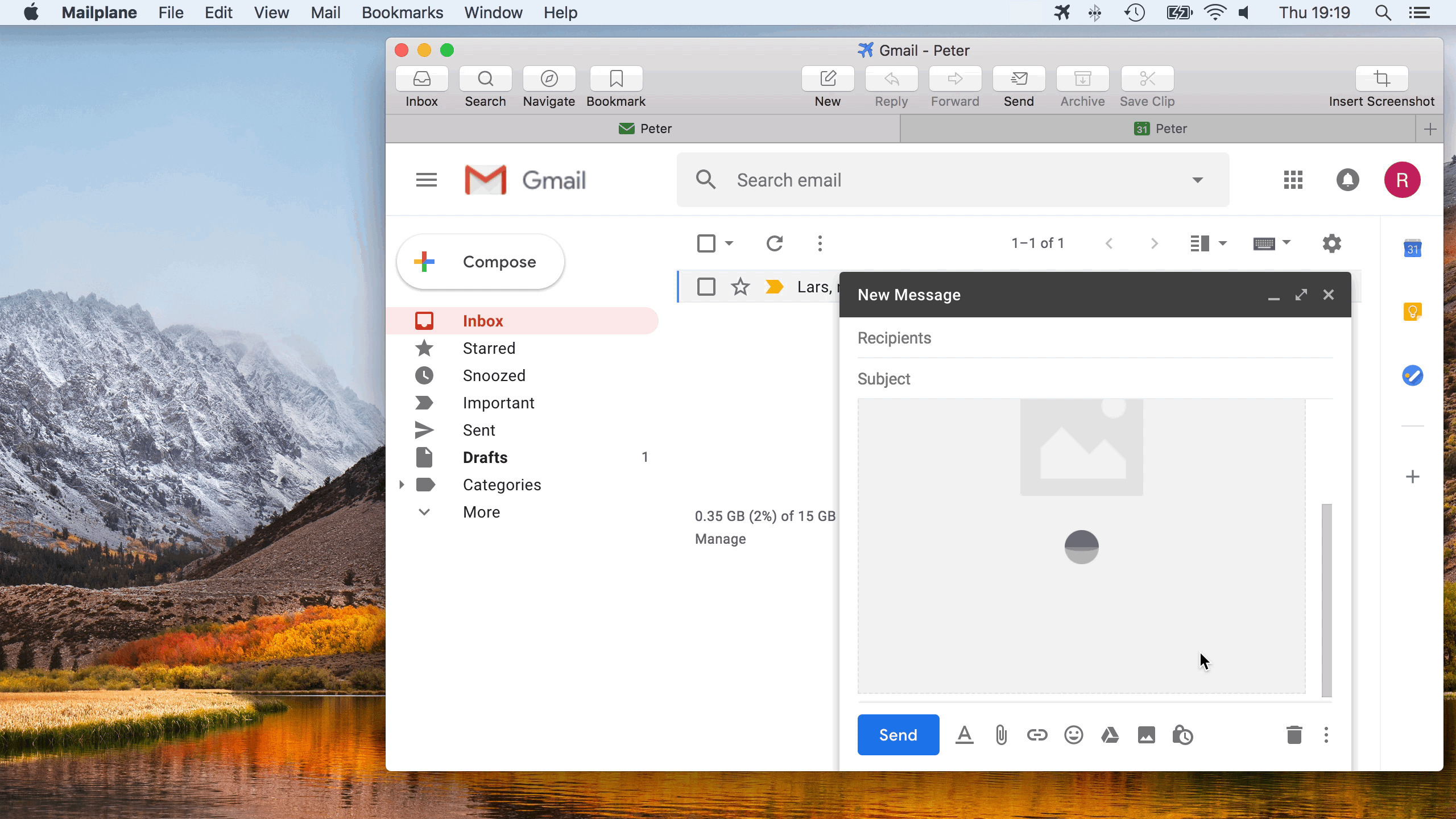
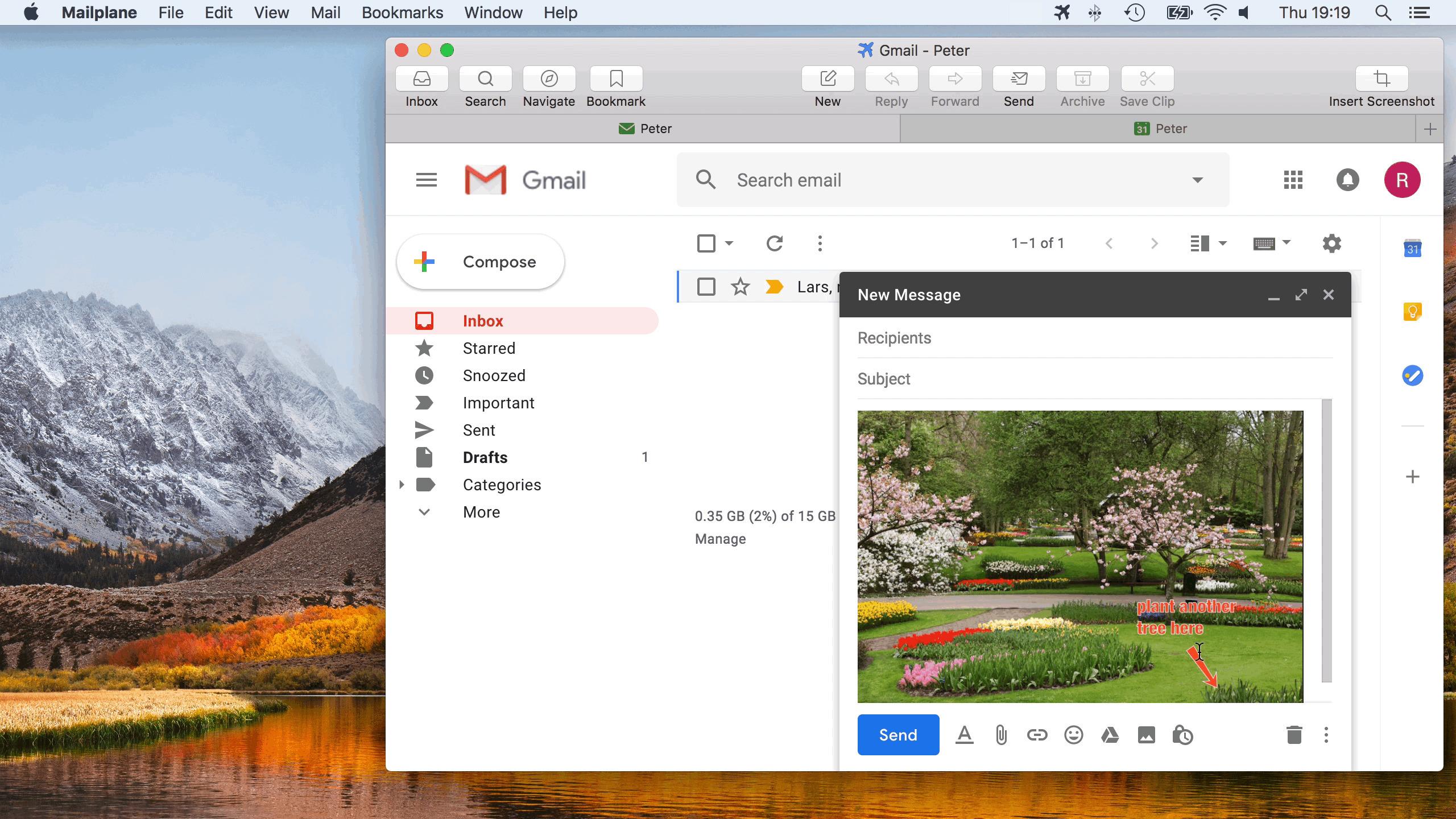
  • Send screenshots
  • Enjoy Gmail shortcuts
  • Integrate with OmniFocus
Now in Beta:
Offline Gmail + HTML signatures

Get the Flash Player to see this player.

Discover what Mailplane adds to Gmail:

Drag 'n' Drop Attachments
Drag 'n' Drop File Attachment

Attaching files and folders has never been easier. Drag 'n' drop your files and folders to Mailplane. Watch as they attach to the message and instantly upload.

Send Optimized Photos

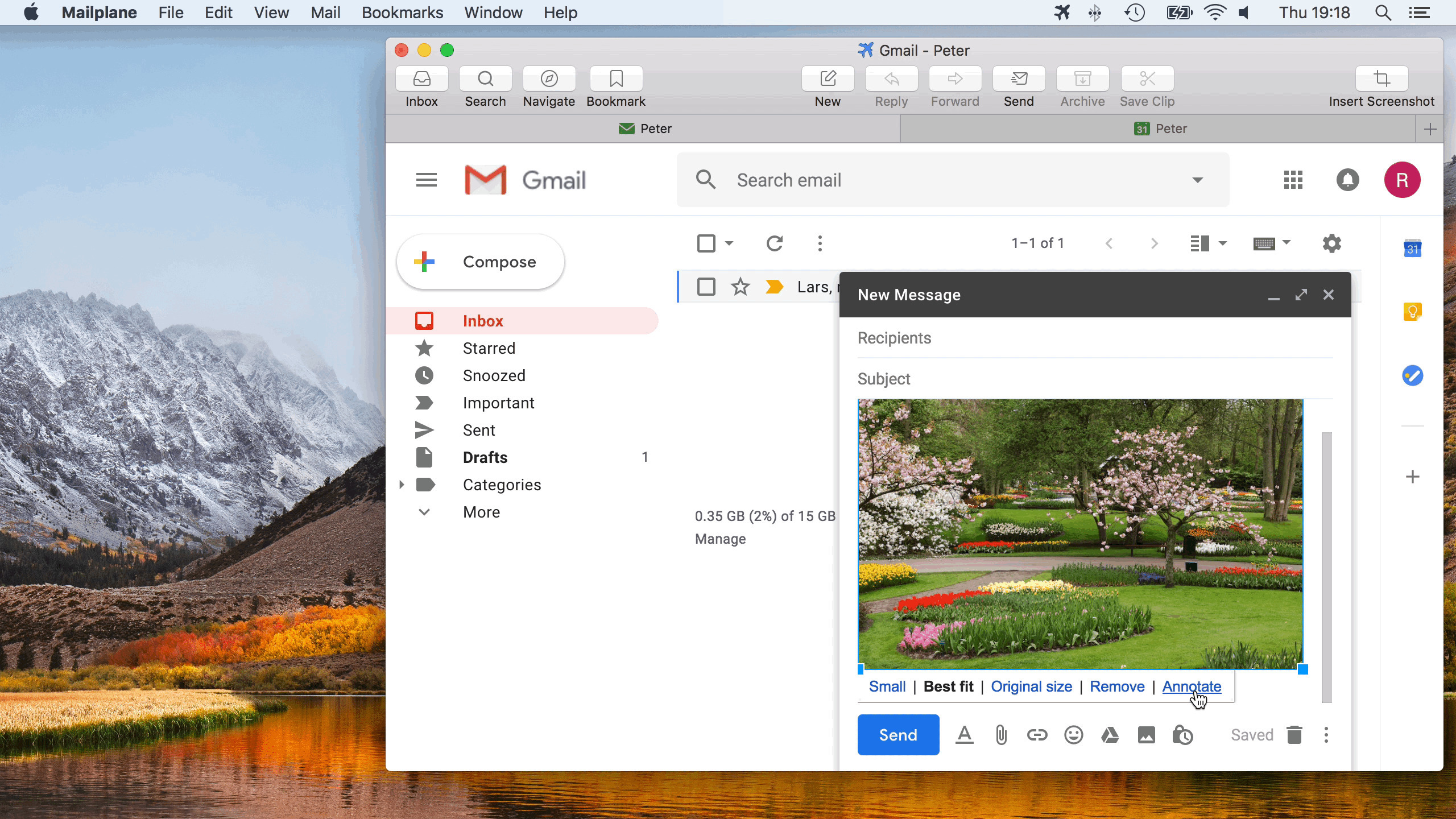
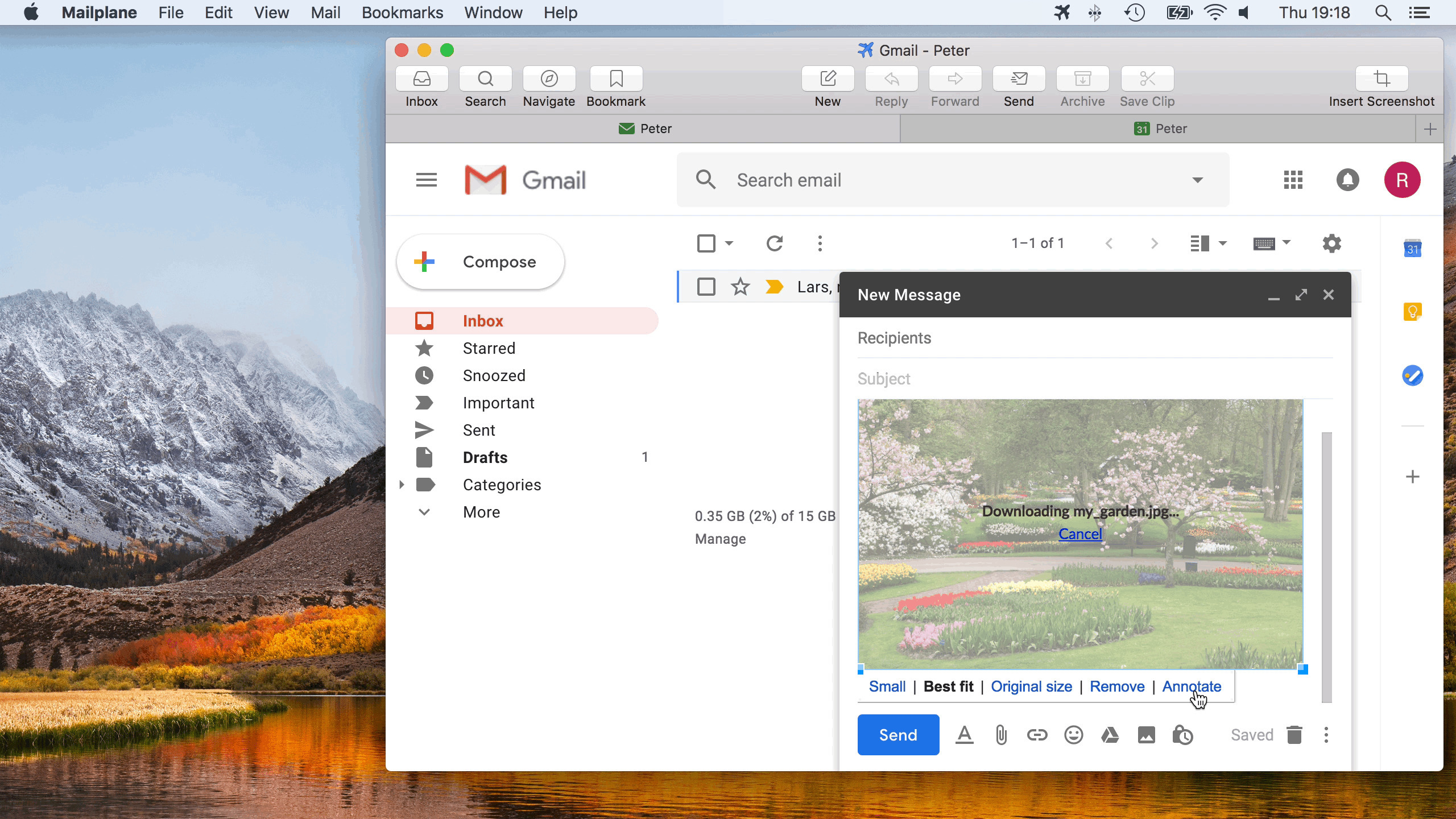
Picture-sending made simple. Mailplane automatically resizes and optimizes your pics to reduce the size of your message.

Instantly Send Screenshots

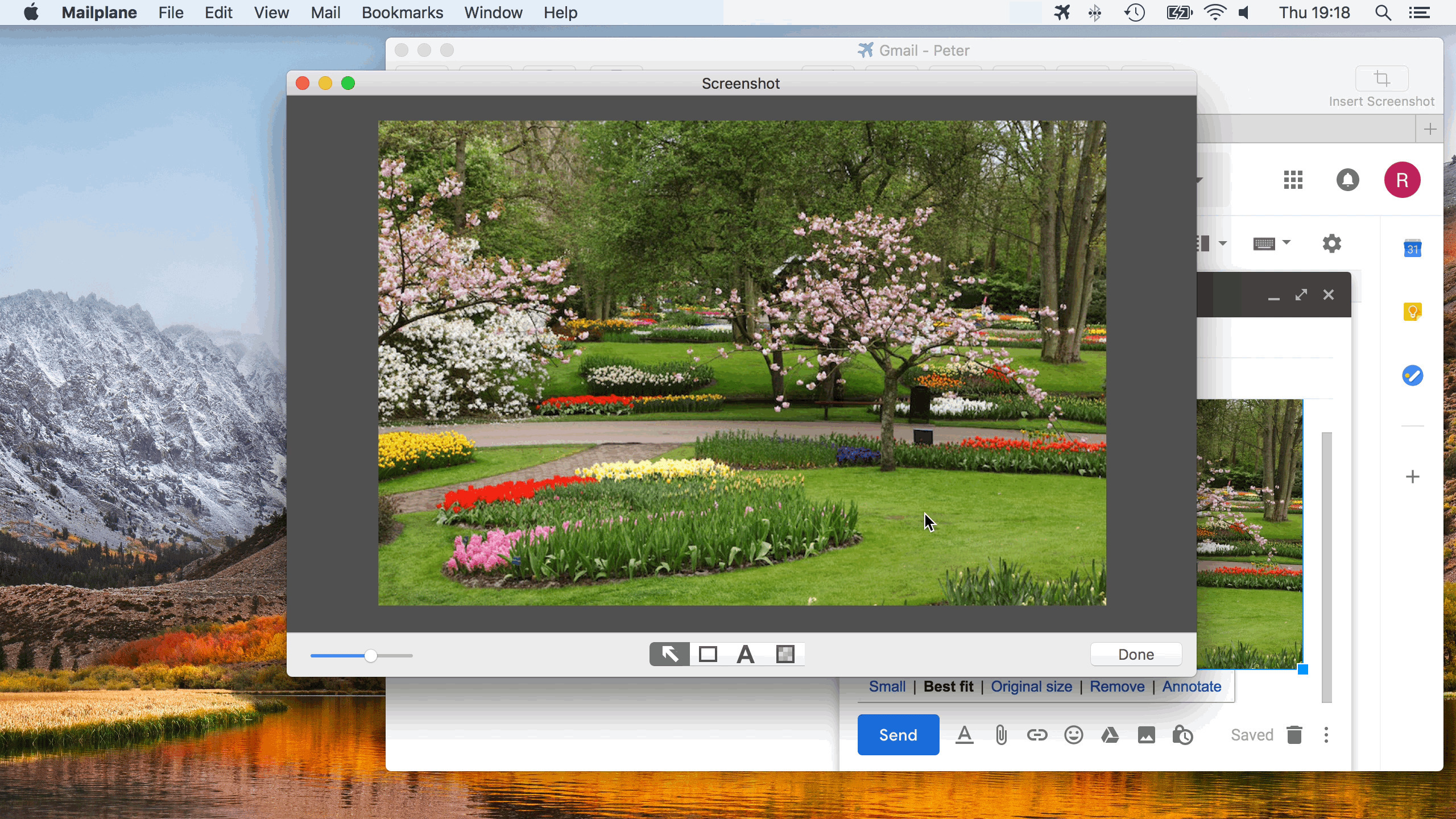
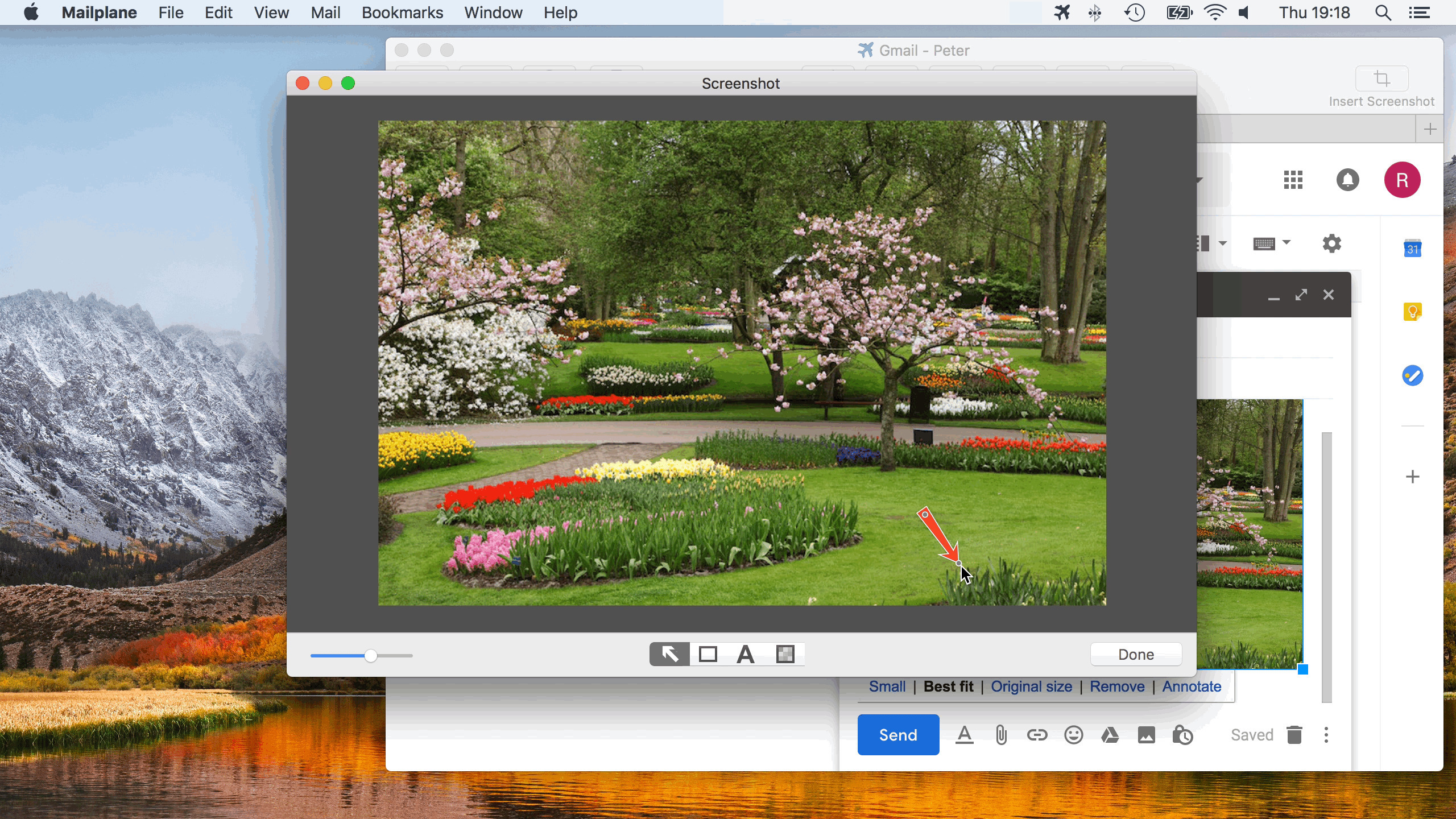
With Mailplane, capture your screenshot and attach it to your message in a single click.


Cool iPhoto Plugin
Cool iPhoto Plugin.

With Mailplane's iPhoto plugin, sending pics from iPhoto is as simple as selecting your photos and pressing the email button. It's really that simple.

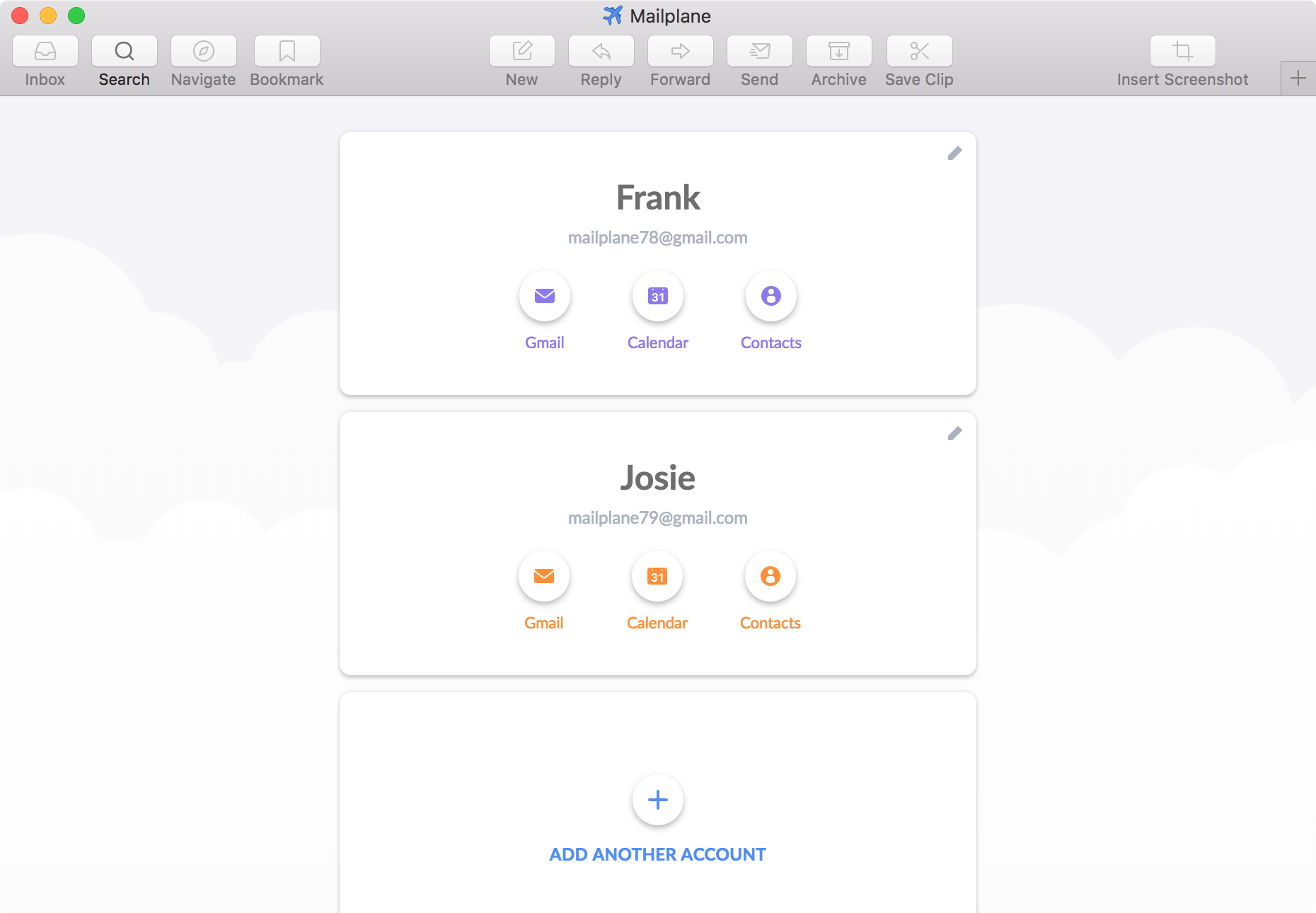
Use Unlimited Gmail Accounts

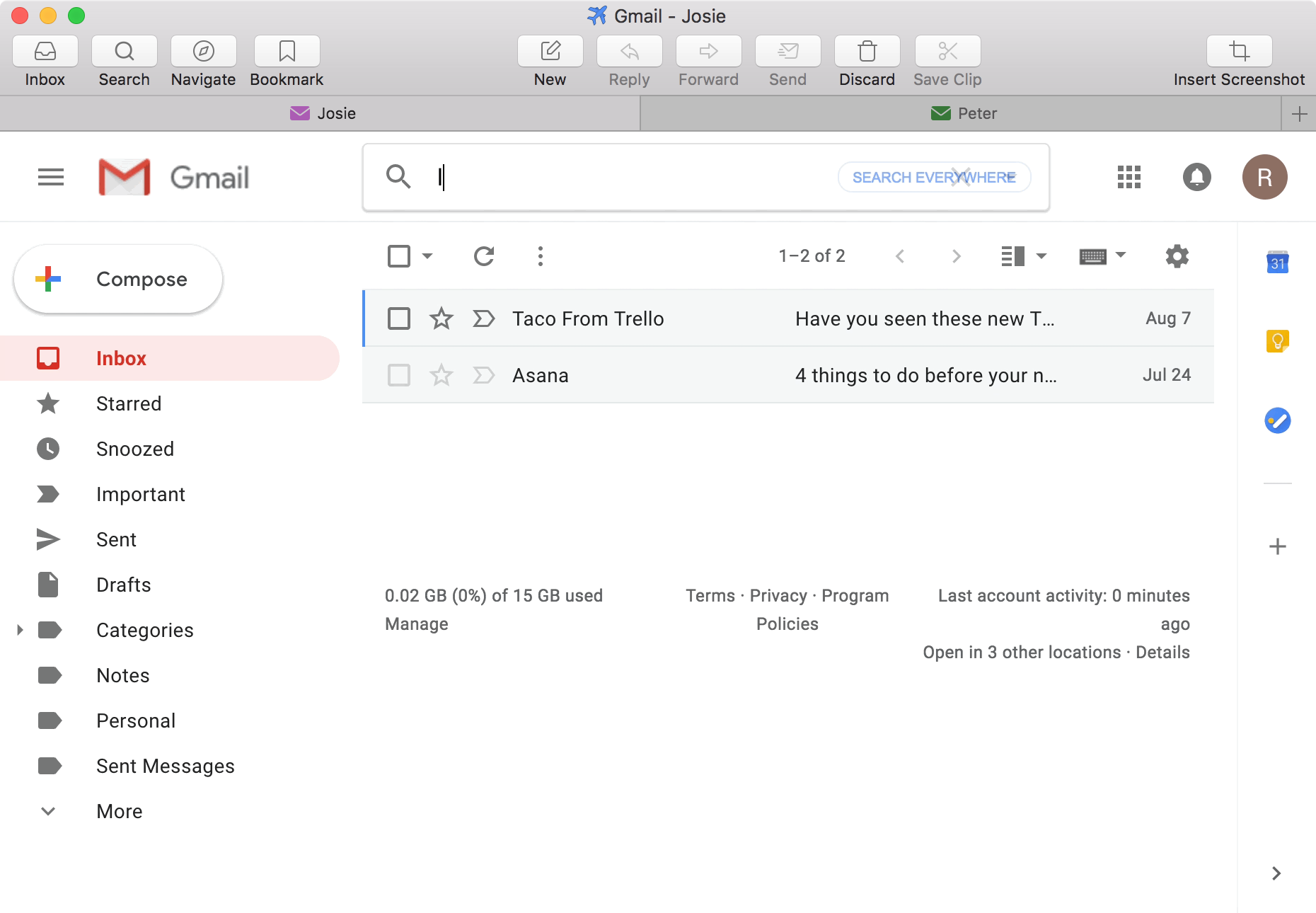
Add unlimited Gmail accounts (or Google apps for domain accounts), and switch between them without restarting Mailplane. And there's no need re-enter passwords every two weeks. Mailplane store them safely in the Mac Keychain.

Mailplane's Download Features

Download attachments and then reveal them in Finder. Or - if the attachment is a photo or .ZIP file containing pictures - directly import to iPhoto.


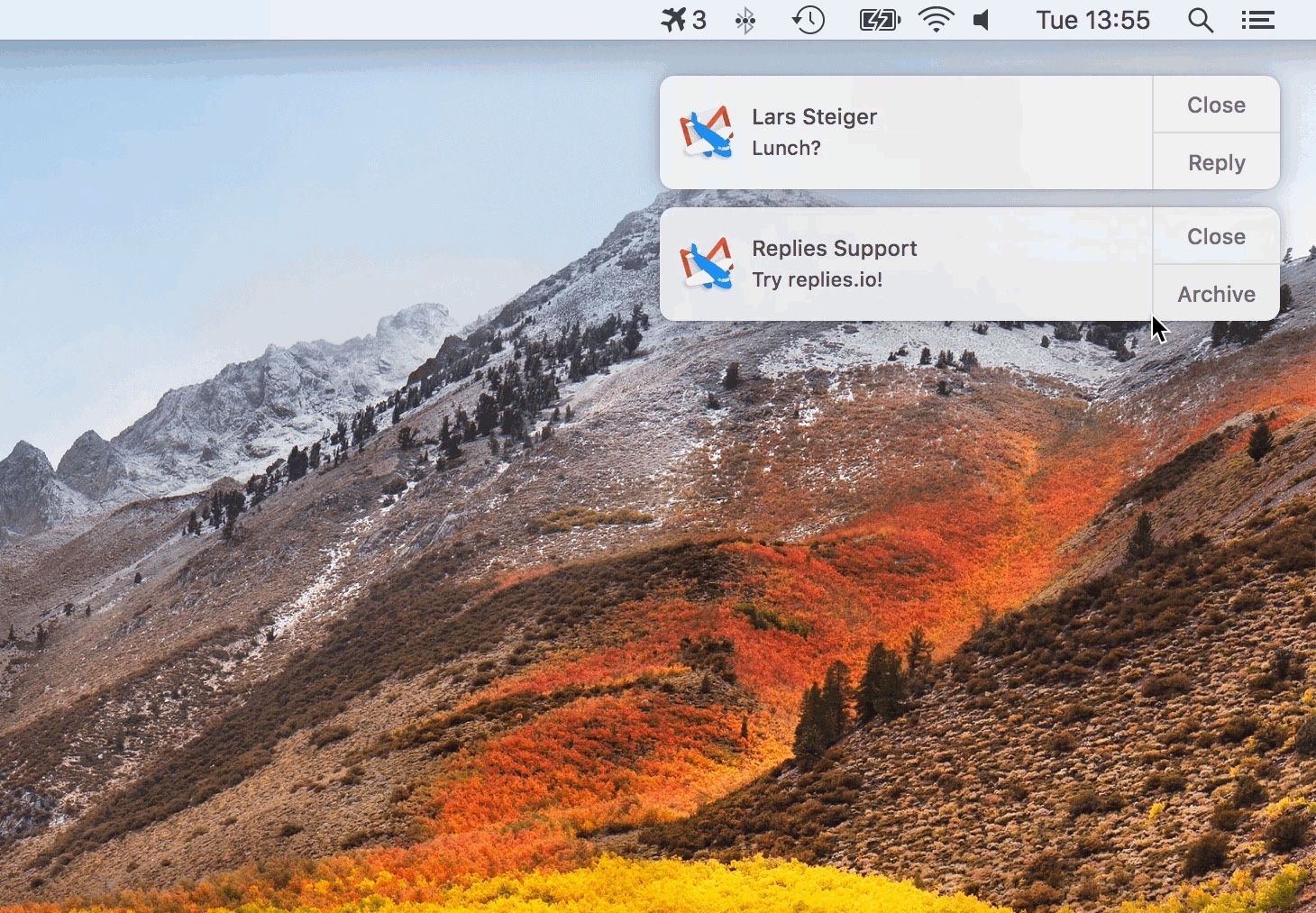
Get Notified
Get Notified

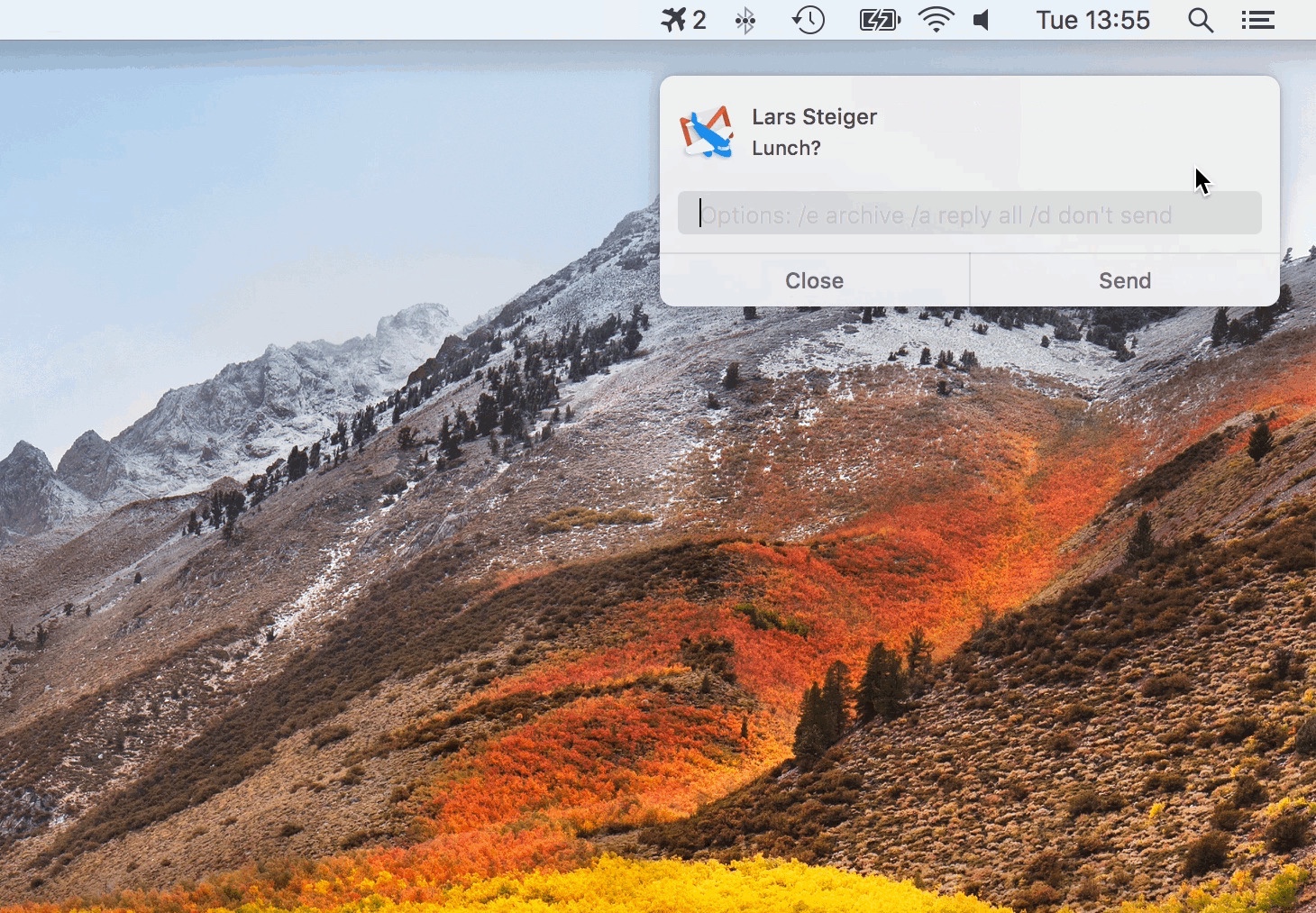
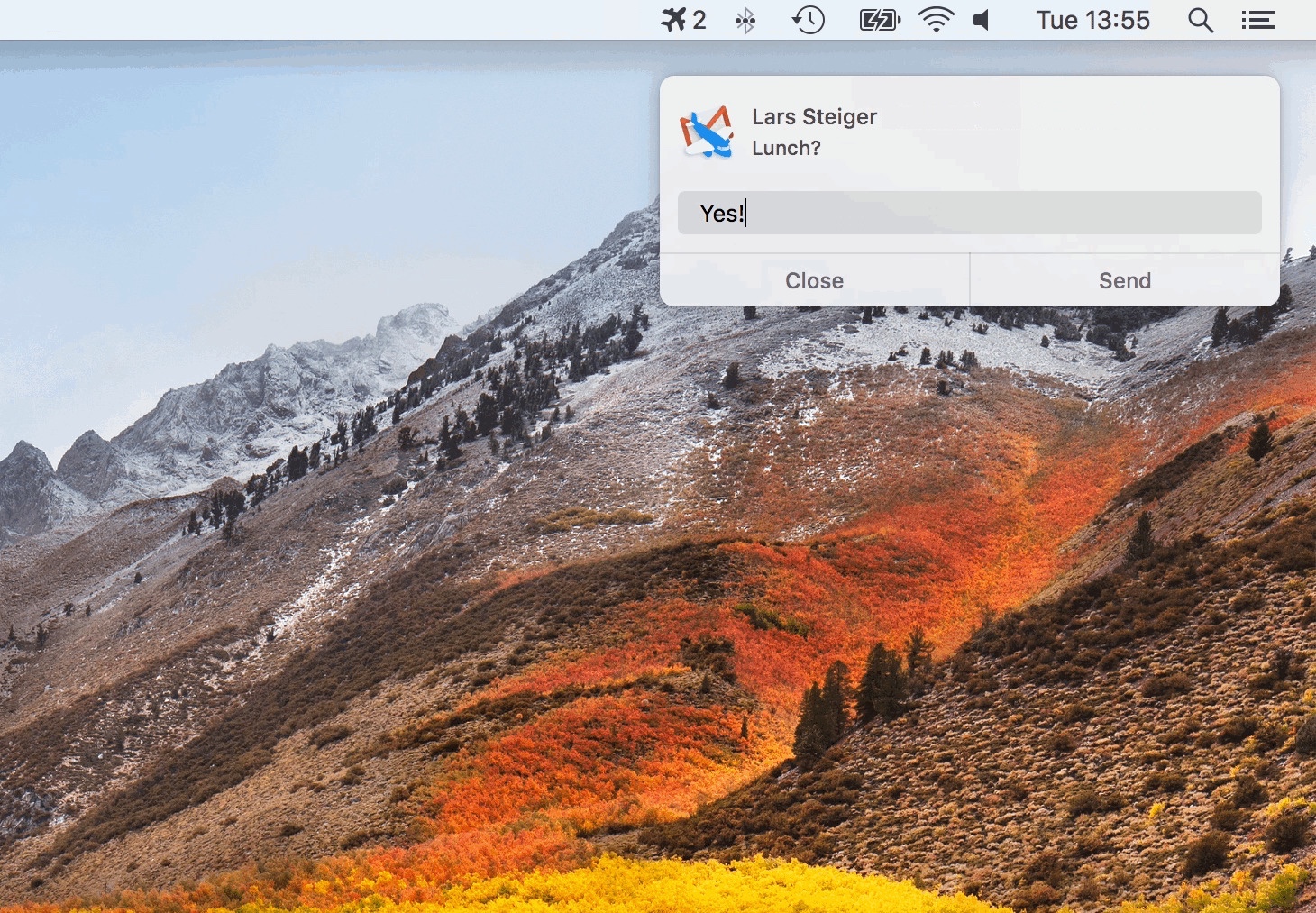
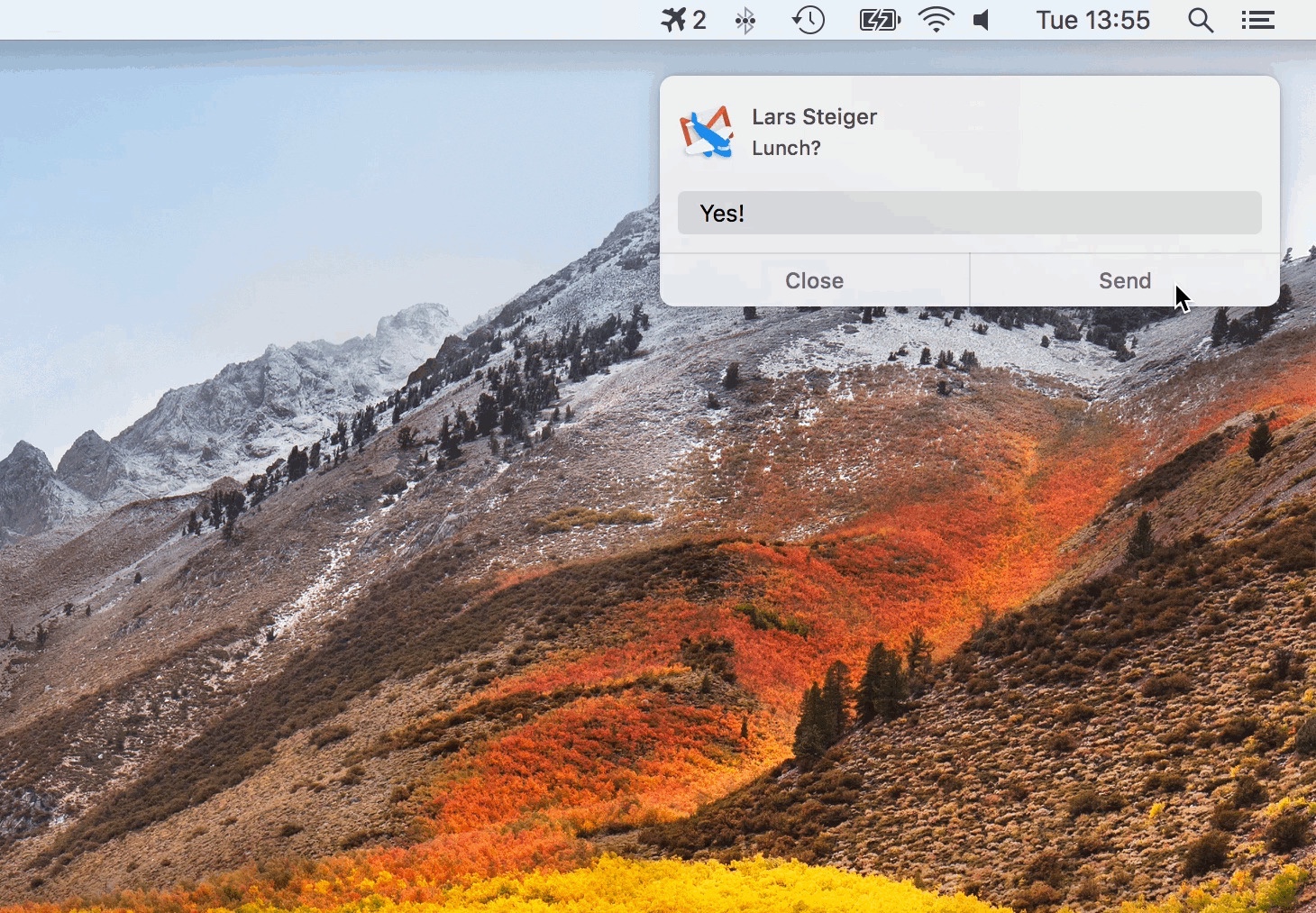
Mailplane lets you know when new mail arrives - by playing a sound, displaying your unread messages in the application icon, or by the Growl notification system. Plus: Monitor all your accounts using the Accounts Drawer or the Status Iitem.

Talk with your Buddies

Mailplane shows a Growl notification when someone wants to chat. The Google Talk Gadget (displayed in separate window) offers Video/Photo Preview and other nice features.

More Stuff:
More Stuff

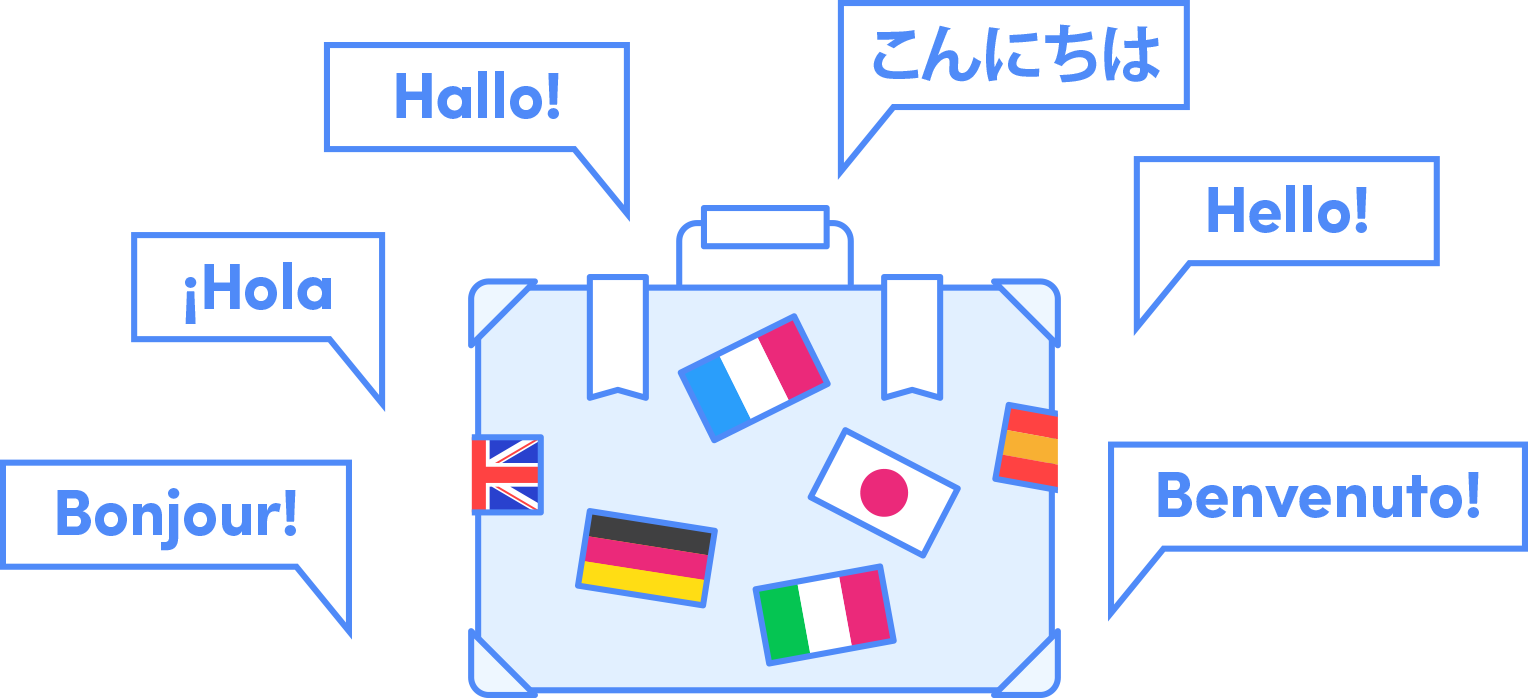
Full keyboard-control of Google Mail using Mac keystrokes, flexible and customizable toolbar; mail-sending from address book, safari or any application showing "mailto" URLs - and so much more. Plus: You can use it in sixteen different languages...